Home / spare_parts
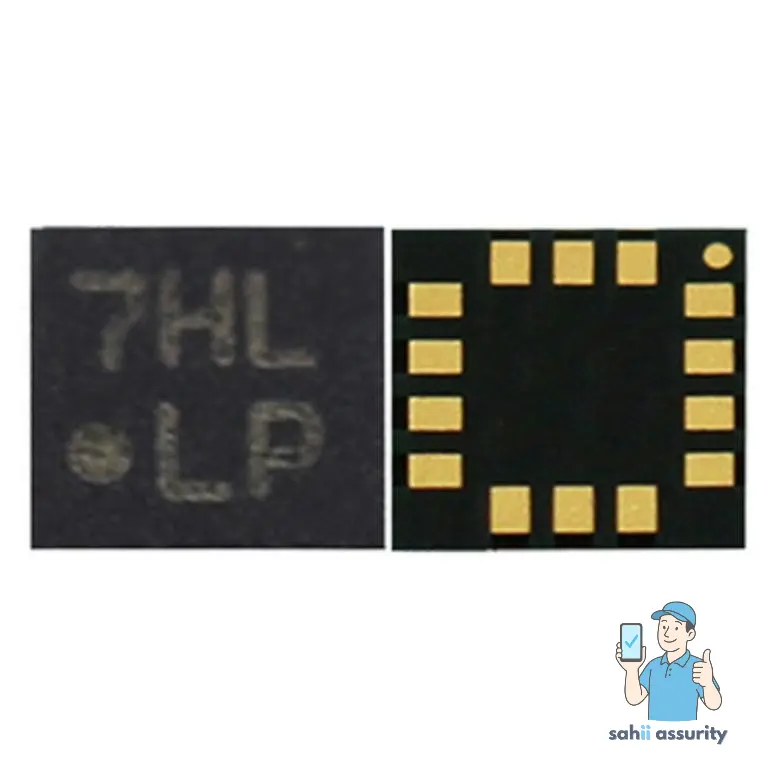
Sim Card Connector For Apple iPad 2 Wi-Fi
₹659
₹279 (Inclusive of all taxes)
In Stock — ships within 24 hrs
Special Offers
Get Flat 10% OFF!
For all orders
SAHII10
Get Flat 15% OFF!
Min. value: ₹1500
SAHII15
Get Flat 20% OFF!
Min. value: ₹2500
SAHII20
100% Money Back Guarantee if product not delivered
Dispatched & Shipped within 24 hrs
Product Description
Is your Apple Ipad 2 Wi-Fi not detecting the SIM card, showing "No SIM" or "Invalid SIM" errors, or reading the SIM intermittently despite the card working correctly in another device? The SIM Card Connector is the surface-mounted socket on the motherboard that makes direct electrical contact with the SIM card's gold pads — and a damaged or corroded one causes all SIM detection and reading failures at the board level.
- Correct SIM Card Connector specification — pin count, type, and footprint — matched to Apple Ipad 2 Wi-Fi motherboard
- Restores reliable SIM card detection, reading, and network registration on Apple Ipad 2 Wi-Fi
- Fixes no SIM detected, invalid SIM, and intermittent SIM reading caused by connector damage
- Tested for contact integrity and SIM detection performance before dispatch
- Anti-static packaging for safe transit
- For professional board-level and component-level repair technicians
Restore reliable SIM card function on your Apple Ipad 2 Wi-Fi. Order the SIM Card Connector from SAHII.in — precise board-level component, wholesale price, free delivery across India.
Product Specifications
| Compatible Brand | Apple |
| Compatible Model | Ipad 2 Wi-Fi |
| Color | |
| Product Type | SIM Card Connector |
| Condition | New |
| Packing | Secure Anti-Static Packaging |
| In The Box | 1 Unit of SIM Card Connector for Apple Ipad 2 Wi-Fi |
| Country Of Origin | China |
| Sold By | SAHII.in, New Delhi |
Shipment & Replacement
- Item received is physically damaged.
- Item received has missing parts or accessories.
Order within
15:00
for Today's Dispatch
Estimated Delivery: 2-5 Days