iPhone XR Rear-Facing Camera Replacement
This document provides instructions for rear camera removal and replacement procedures on the iPhone XR.
- Pay close attention:Complete separation of display cables and removal of the display assembly is required by this guide to facilitate rear camera access; nevertheless, the rear camera can be replaced while the display cables remain connected, a shortcut suitable for experienced technicians who ensure the display is adequately supported and the display cables are protected from harm.
Step 1 | Remove the pentalobe screws
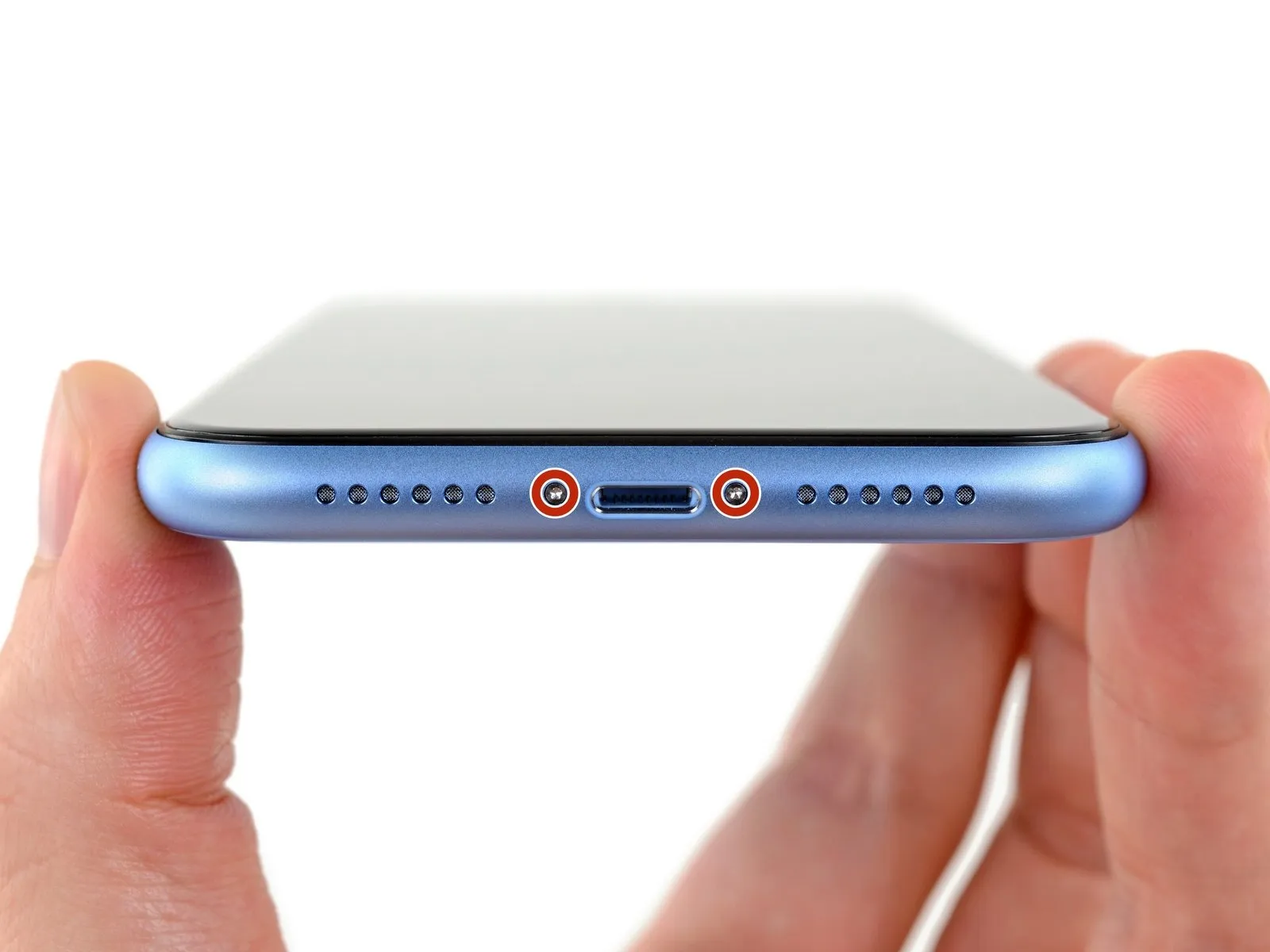
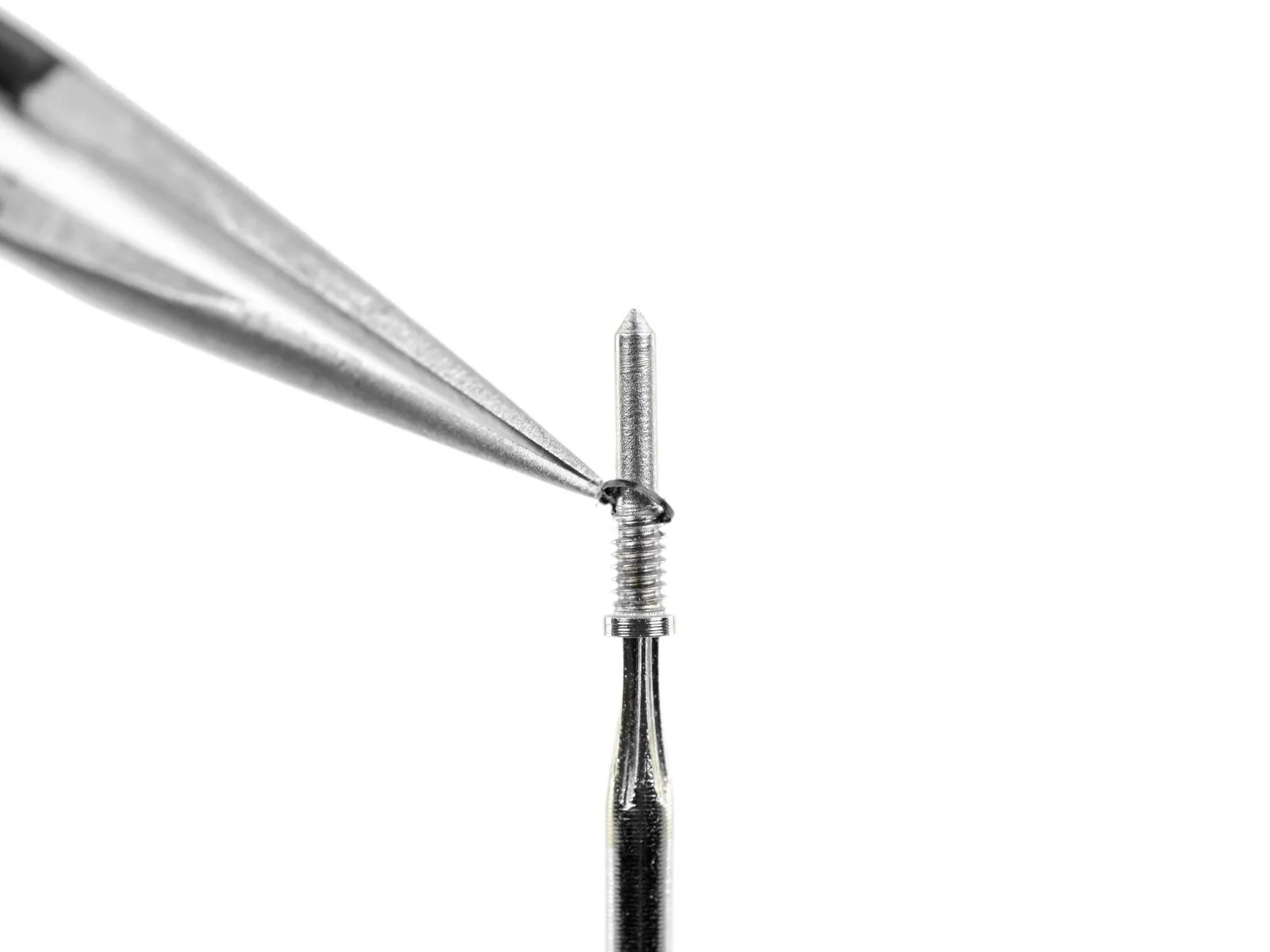
- To initiate the repair process, ensure the iPhone's battery level is below 25% by fully depleting it.A fully charged lithium-ion battery presents a fire and/or explosion hazard if it sustains accidental physical damage.Deactivate the iPhone's power supply prior to commencing the disassembly procedure.
- Detach the pair of pentalobe screws, each measuring 6.7 mm in length, located along the iPhone's lower edge.
- Disassembly of the iPhone will inherently damage the factory-installed waterproof seals.
- To maintain water resistance, either acquire replacement seals beforehand or exercise extreme caution to prevent liquid ingress during reassembly if the original seals are reused.
- Each pentalobe screw incorporates a small black rubber gasket; inspect these gaskets for wear or replace the screws during reassembly to optimize dust and water protection.
Step 2 | Mark your opening picks


- Excessive insertion of a prying tool carries the risk of device damage; therefore, a marking procedure is essential to mitigate this potential issue.
- Using a precise measuring tool, determine a distance of3 millimetersfrom the tool's distal end, and then clearly indicate this measurement on the tool with a permanent marking instrument.
- For enhanced precision, consider applying distinct markings to the tool's other corners, each representing a different measurement value.
- As an alternative method, affix a coin to the prying tool's shaft, positioning it3 millimetersaway from the tip to serve as a visual depth guide.
Step 3 | Tape over any cracks


- To minimize additional damage and potential injury while repairing a fractured iPhone display, secure the glass fragments with adhesive tape.
- Apply successive layers of transparent packing tape across the iPhone's screen surface, ensuring complete coverage of the display's front.
- Protect your vision by utilizing safety eyewear to guard against potential glass shards that may detach during the repair process.
- Should the suction cup fail to maintain adhesion during subsequent procedures, construct a handle from a robust tape (like duct tape) and employ it to elevate the screen.
- As a last resort, secure the suction cup to the screen's surface using superglue to facilitate lifting.
Step 4 | Anti-Clamp instructions


- The subsequent three actions illustrate the Anti-Clamp, a specialized instrument developed to simplify the initial separation process; if this tool is not available, proceed to the instructions three steps later for an alternative approach.
- Detailed guidance regarding the Anti-Clamp's operation can be found in a separate, dedicated instructional document.
- Grasp the blue handle, and move it in a rearward direction to disengage the Anti-Clamp's gripping arms.
- Carefully position the arms across either the left or right side of your iPhone's frame.
- Place the suction cups adjacent to the lower edge of the iPhone, ensuring one is located on the front surface and the other on the rear.
- Apply pressure by compressing the cups together, creating a secure adhesion to the intended area.
- Should the iPhone's exterior be too smooth for the Anti-Clamp to maintain a firm grip, applying adhesive tape can improve surface friction.
Step 5


- To secure the arm assembly, advance the blue handle.Rotate the handle a full 360-degree circle, or continue until the suction cups visibly expand.Maintain proper alignment between the suction cups throughout the process.
- Should the suction cups become misaligned, a slight loosening will allow for realignment of the arms.The arms are engaged by moving the blue handle in a forward direction.A complete rotation of the handle, equivalent to 360 degrees, is necessary to initiate the stretching of the suction cups.
- Ensuring the suction cups stay properly positioned relative to one another is crucial for effective operation.
Step 6


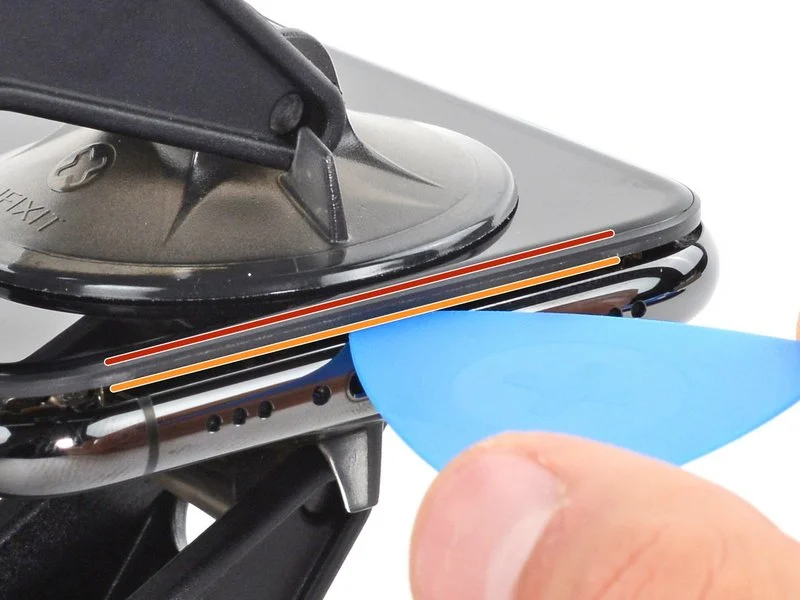
- Employing a heated iOpener, carefully guide it between the Anti-Clamp’s securing arms.Alternative heating methods, such as a hair dryer, heat gun, or hot plate, are acceptable; however, excessive temperatures risk damage to the display assembly and internal battery, necessitating cautious operation.Position the iOpener, folded to rest along the lower edge of the iPhone’s chassis.
Allow a full minute for the adhesive bond to weaken and create a separation. - Introduce an opening pick beneath the screen and the surrounding plastic bezel, ensuring it does not contact the display surface directly.Should the Anti-Clamp fail to generate an adequate separation, increase the localized heat and incrementally rotate the handle by 90 degrees.Avoid rotating the handle beyond a 90-degree increment at any point, and permit a one-minute interval between rotations to allow for effective separation.
- Rely on the Anti-Clamp’s mechanism and the passage of time to achieve the necessary gap.
- Proceed past the following three procedural steps.
- The iOpener serves as a tool to facilitate separation of the Anti-Clamp’s arms.
The adhesive requires a period of warming to lose its bonding strength. - A 90-degree rotational movement of the Anti-Clamp handle is the maximum increment allowed.
Step 7 | Heat up the screen
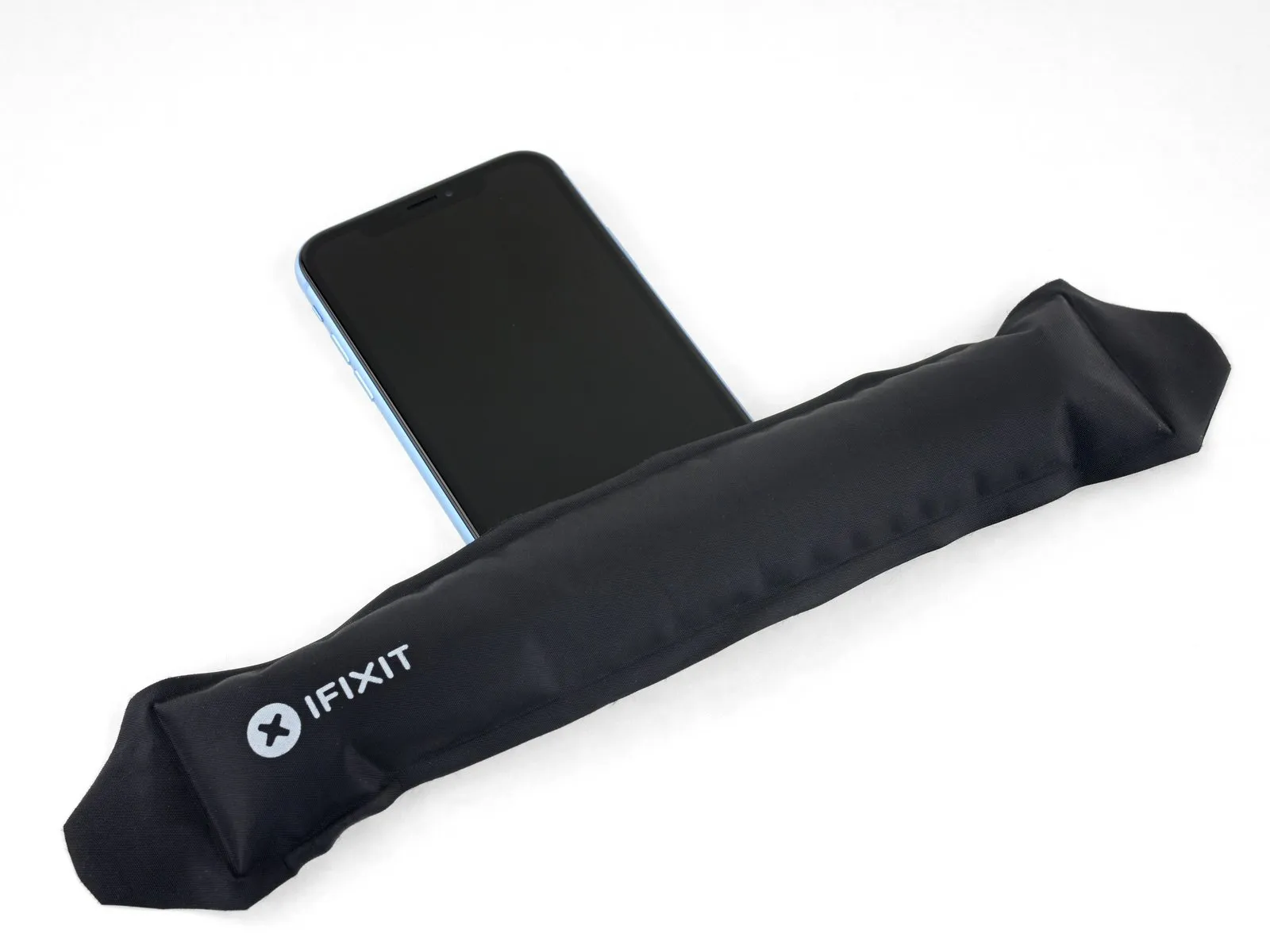
Applying warmth to the iPhone's bottom edge facilitates separation by reducing the adhesive's hold on the display assembly.
A hairdryer, heat gun, or iOpener can be employed for this purpose.The hairdryer or heat gun should be directed at the lower edge.The iOpener should be applied to the lower edge.Maintain the heat application for approximately one minute to reduce the adhesive's viscosity.This preparatory heating step simplifies the subsequent display detachment process.
Step 8
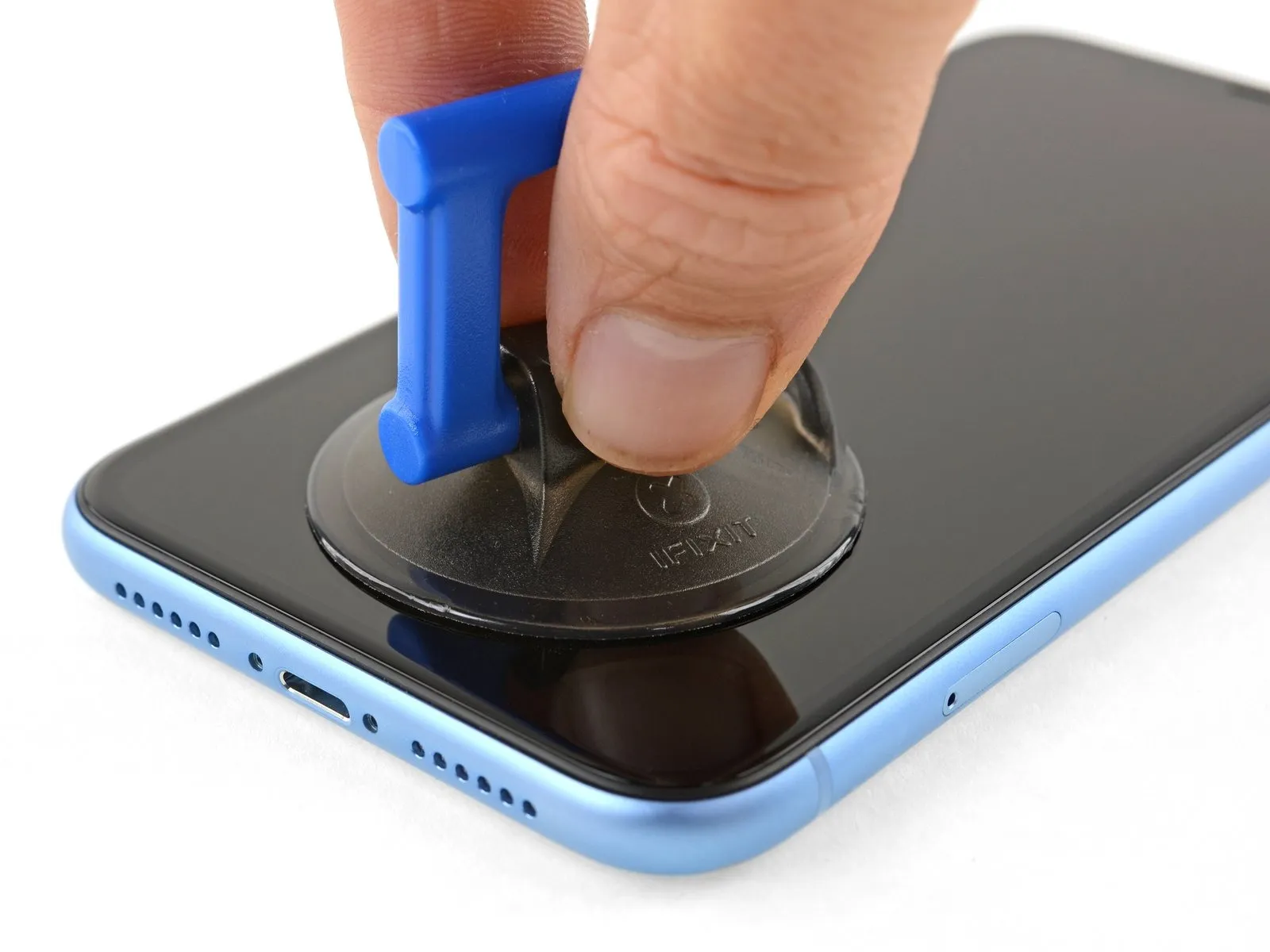
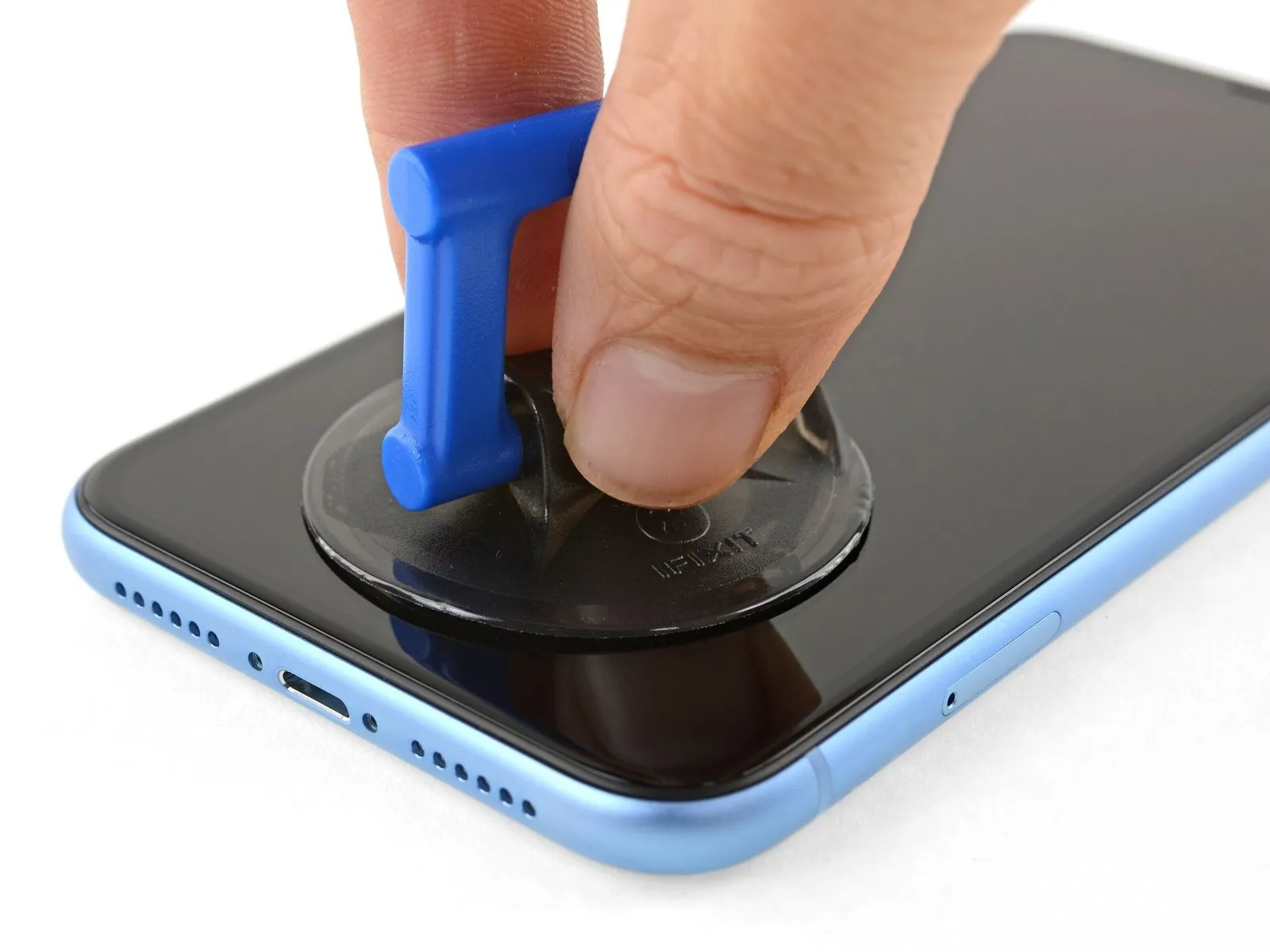
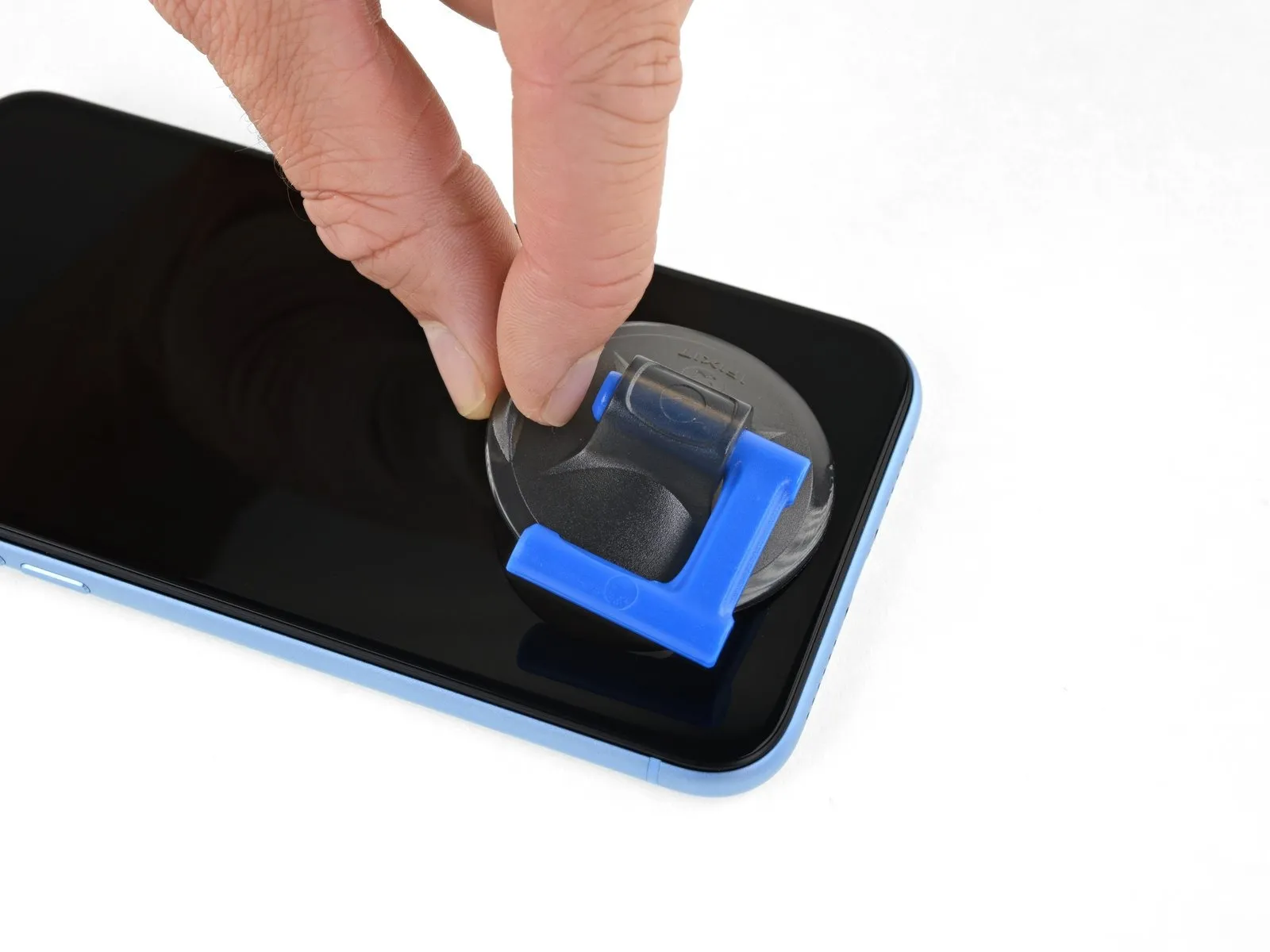
When employing a solitary suction handle, position it against the lower extremity of the device, ensuring the curved glass surface remains untouched.
Step 9 | Lift the display slightly
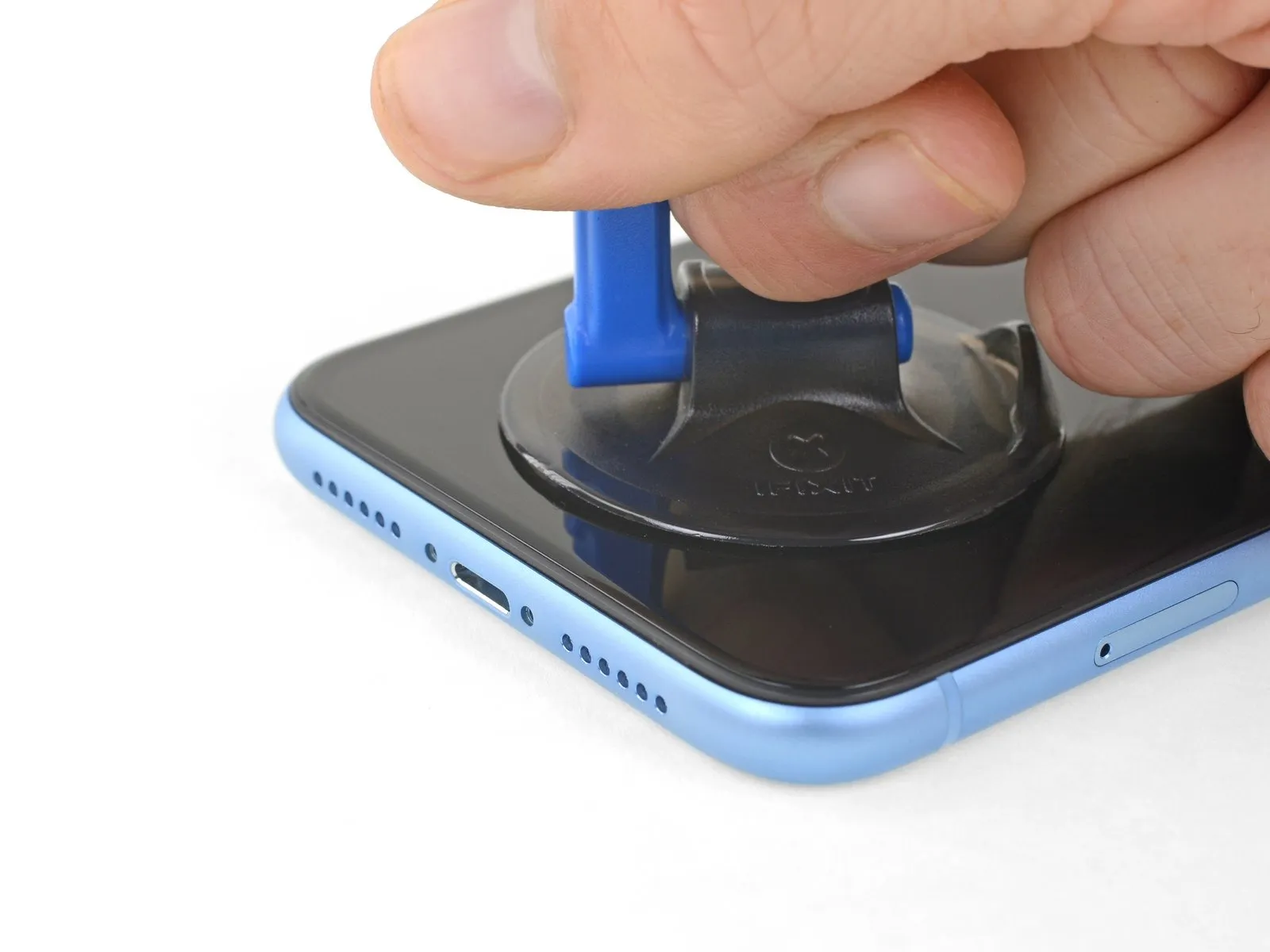
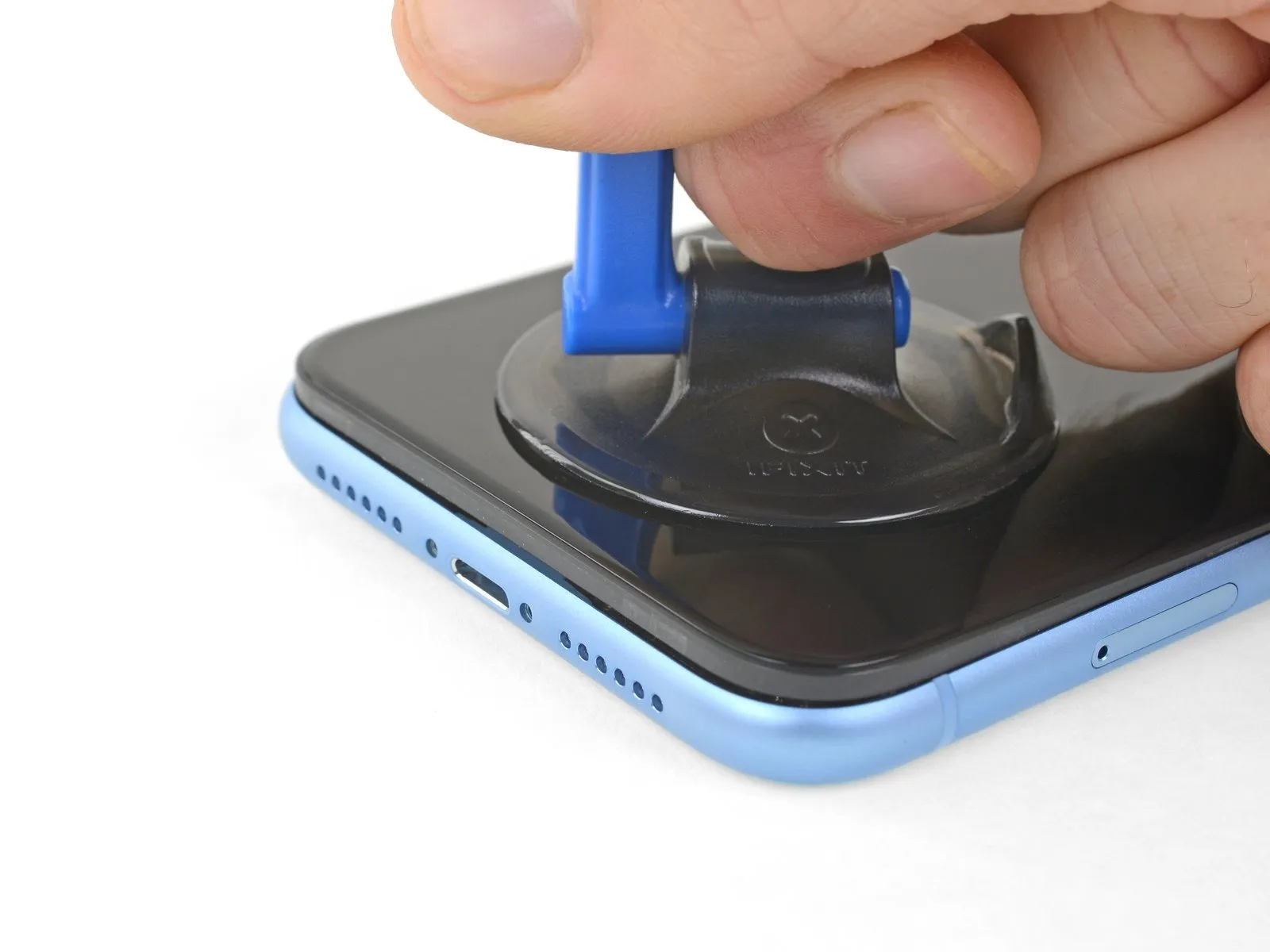
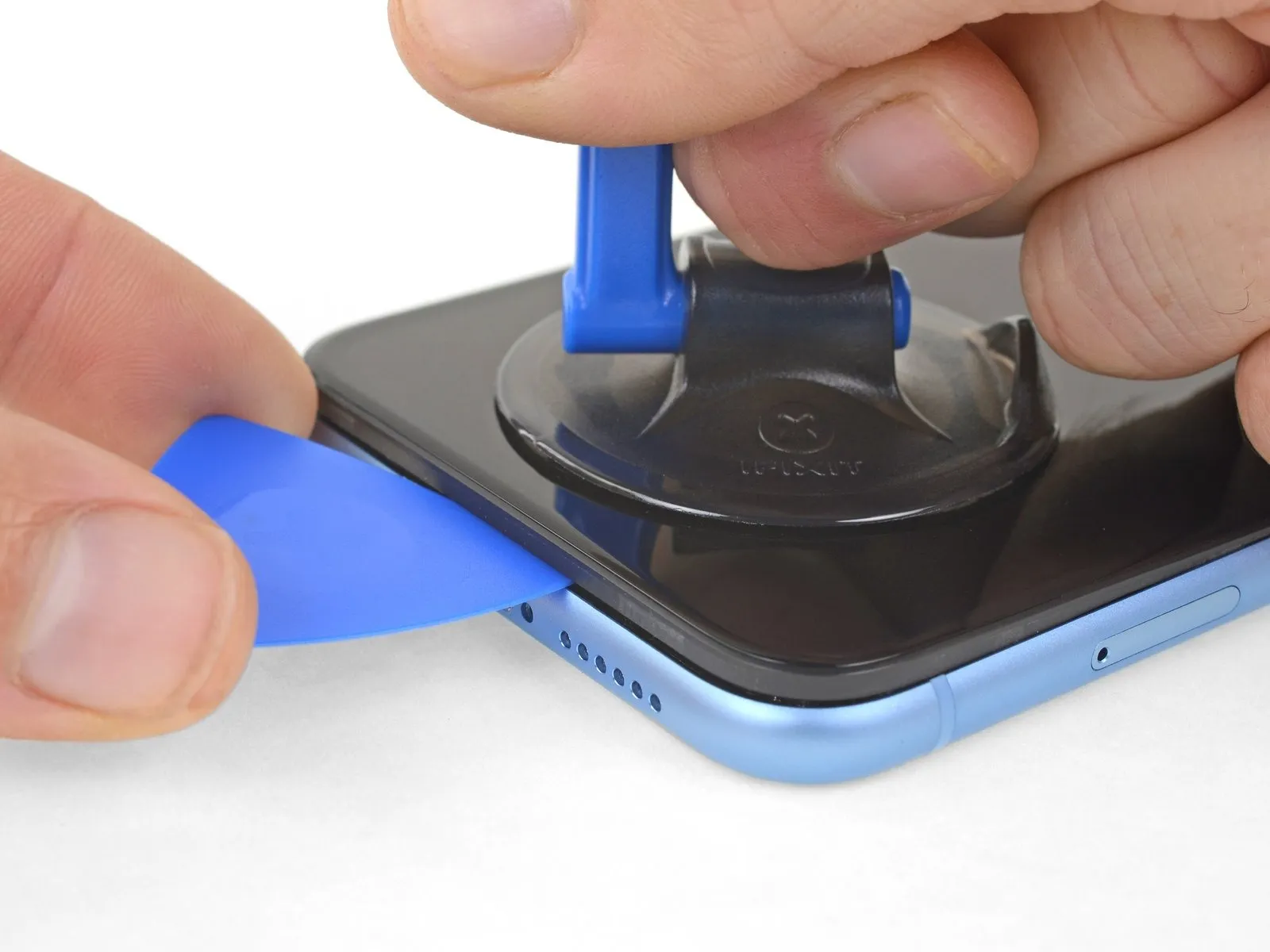
- Maintain consistent, forceful upward traction on the suction cup to establish a minimal separation between the device's front panel and its rear casing.
- Carefully slide an opening tool beneath the display and the surrounding plastic trim, ensuring it does not contact the screen's surface.
- Due to the robust nature of the waterproof sealant securing the display, a considerable amount of force may be required to initially create this separation; if encountering difficulty, apply additional heat and gently oscillate the screen to reduce adhesive strength until a sufficient gap is achieved for tool insertion.
Step 10 | Separate the screen adhesive
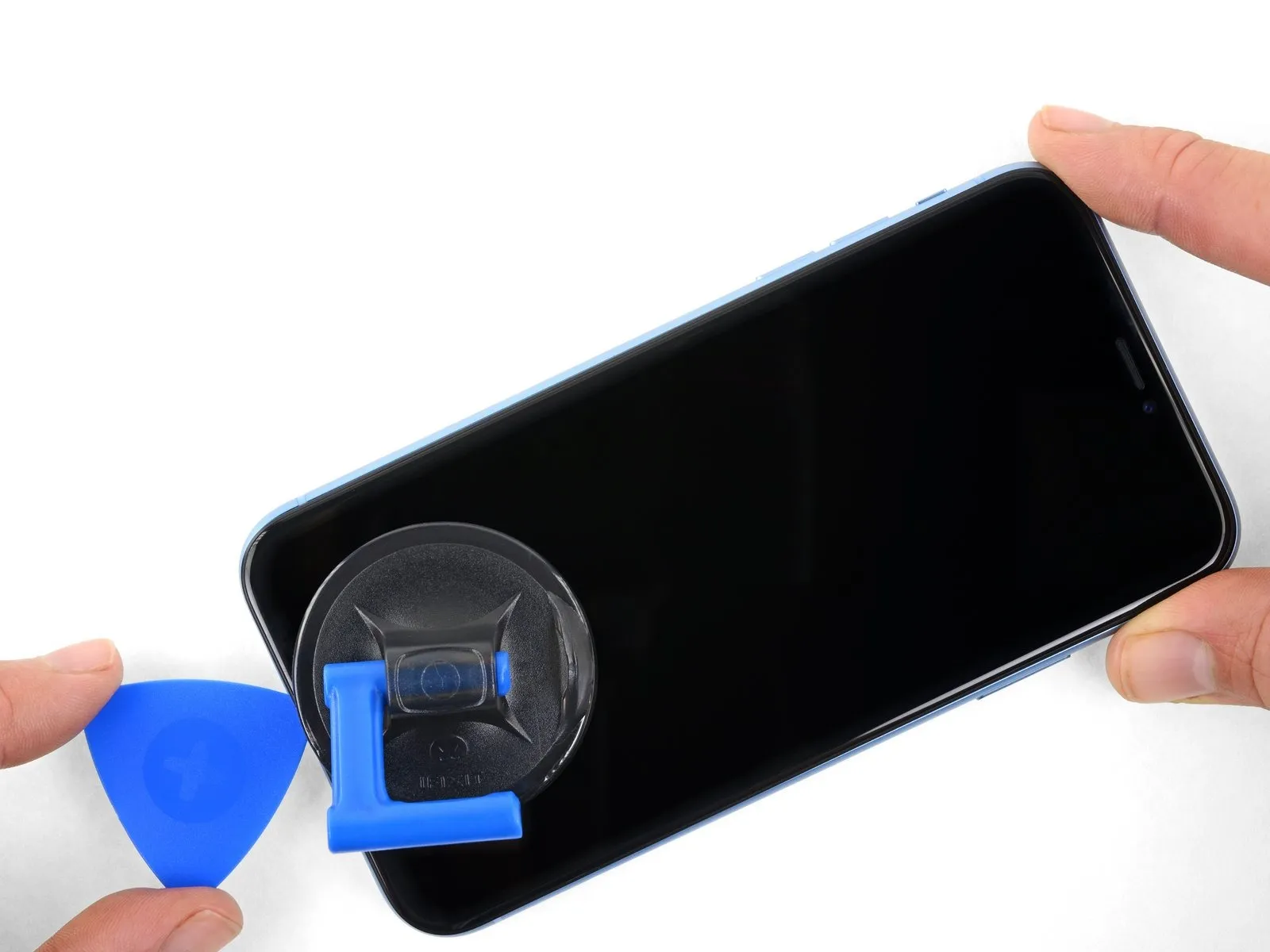
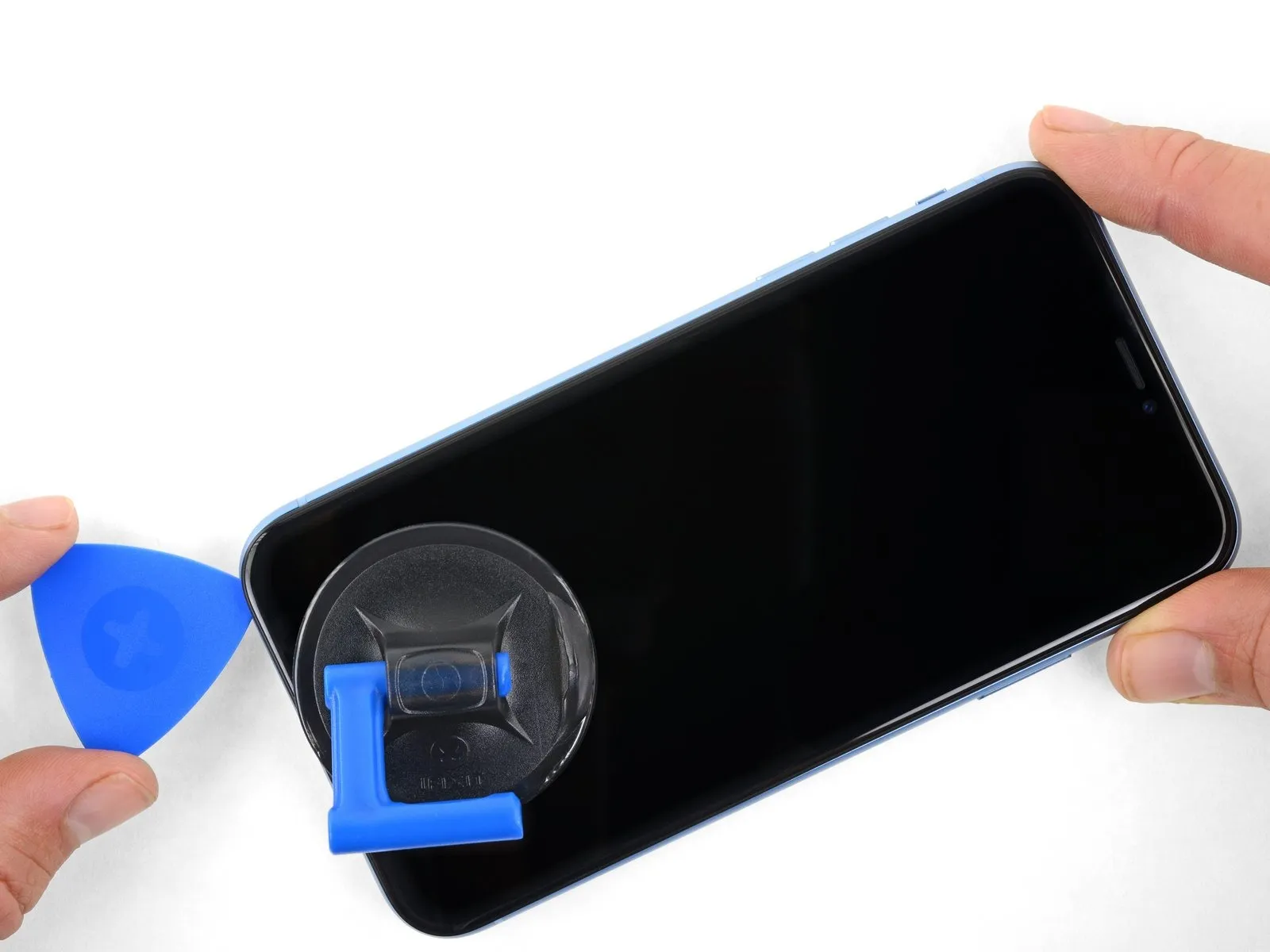
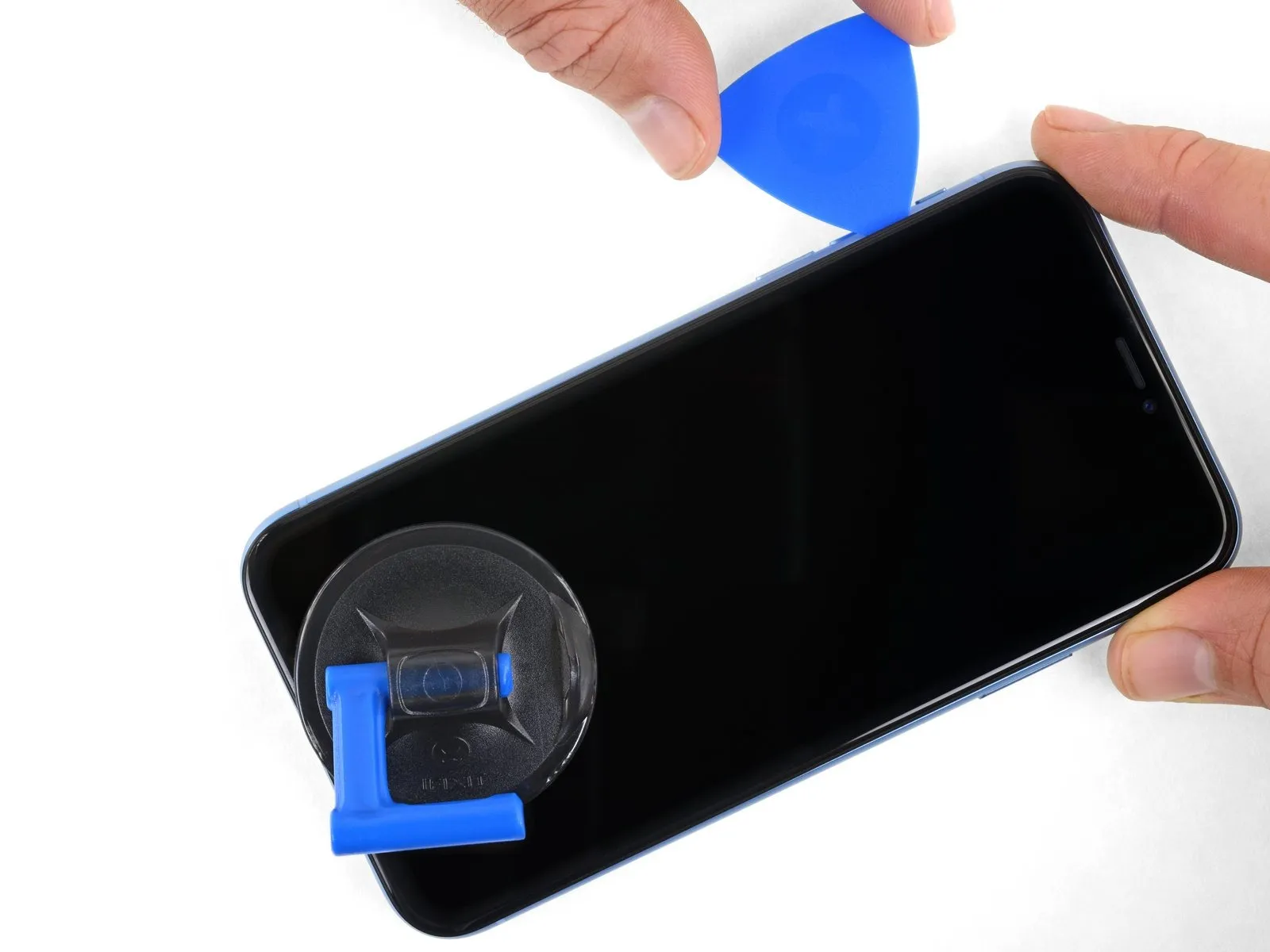
- Using a specialized opening tool, carefully maneuver it along the bottom-left perimeter of the iPhone and upward along the left side, severing the adhesive securing the display assembly.
- Ensure the opening tool's insertion depth remains limited to a maximum of 3 millimeters to prevent potential harm to delicate internal components.The adhesive bond between the display and the chassis requires precise separation to avoid damage.Exceeding the 3 mm depth limit during separation carries a risk of compromising the integrity of internal parts.
Step 11 | Screen information
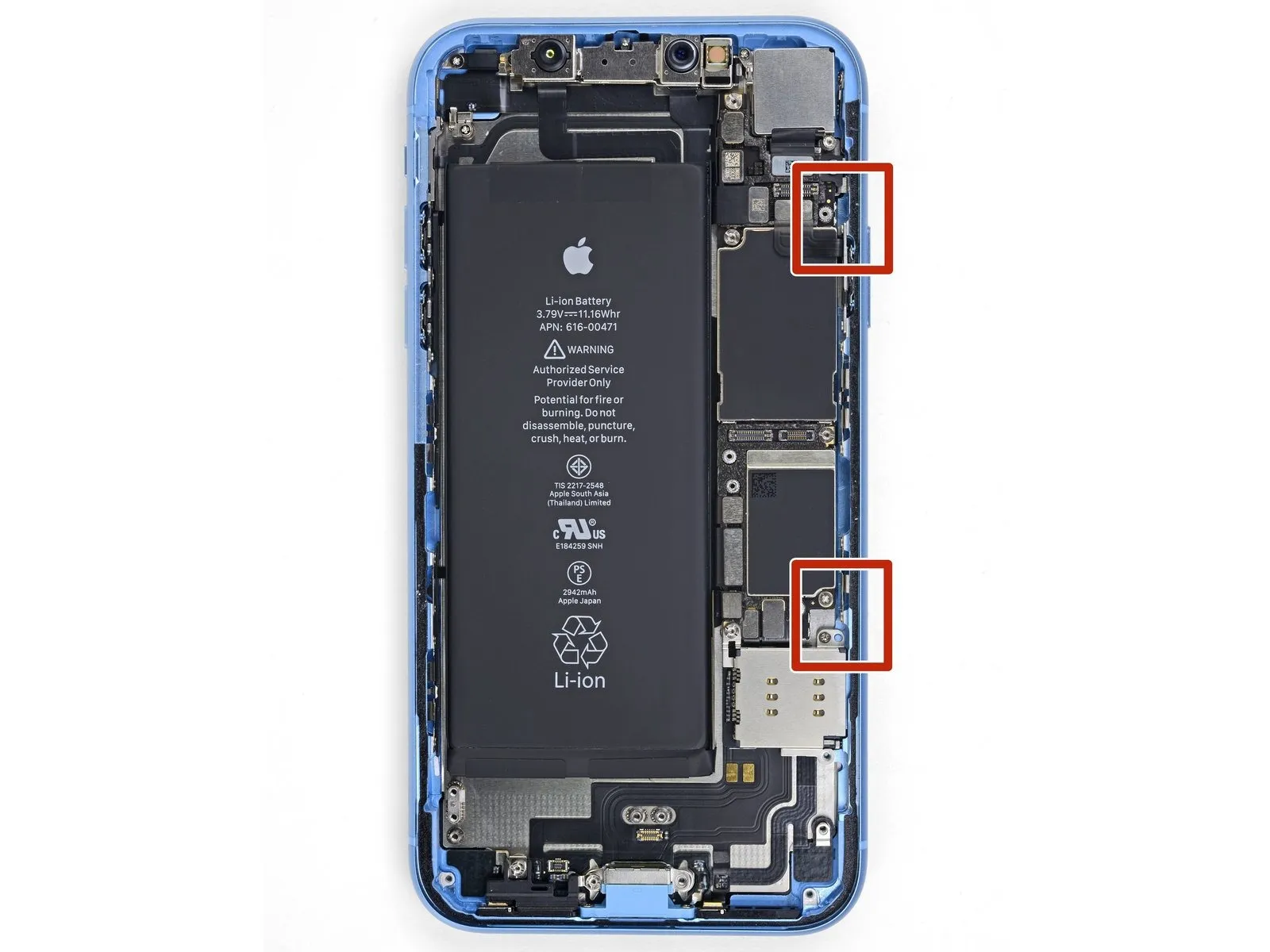
Fragile wiring is situated along the right-hand side of the iPhone's internal components; avoid inserting any tools into the designated areas to prevent potential harm to these connections.Damage to the internal cables can occur if a tool is forced into the indicated locations.Exercise caution to safeguard the integrity of the cables.
Step 12
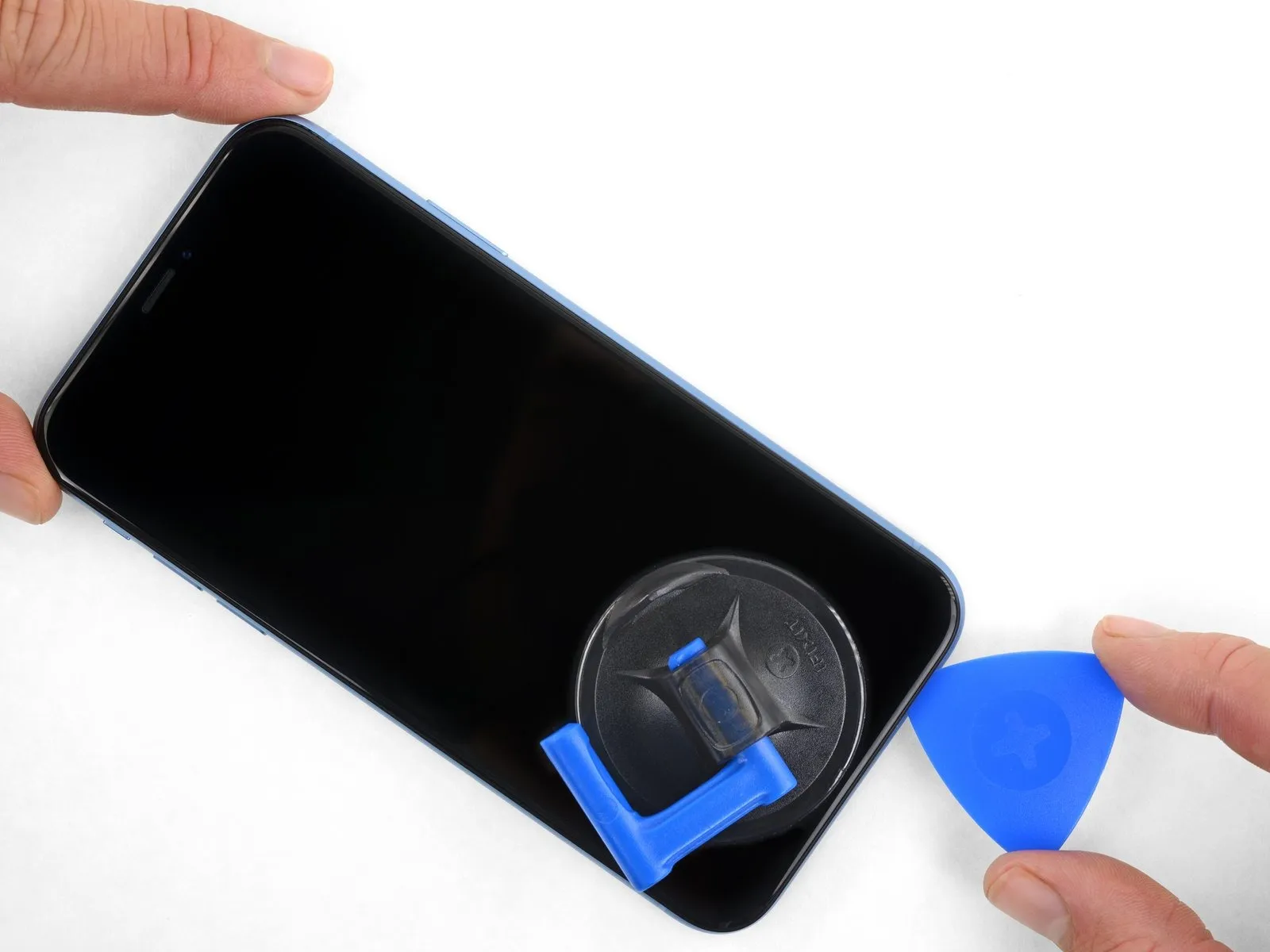
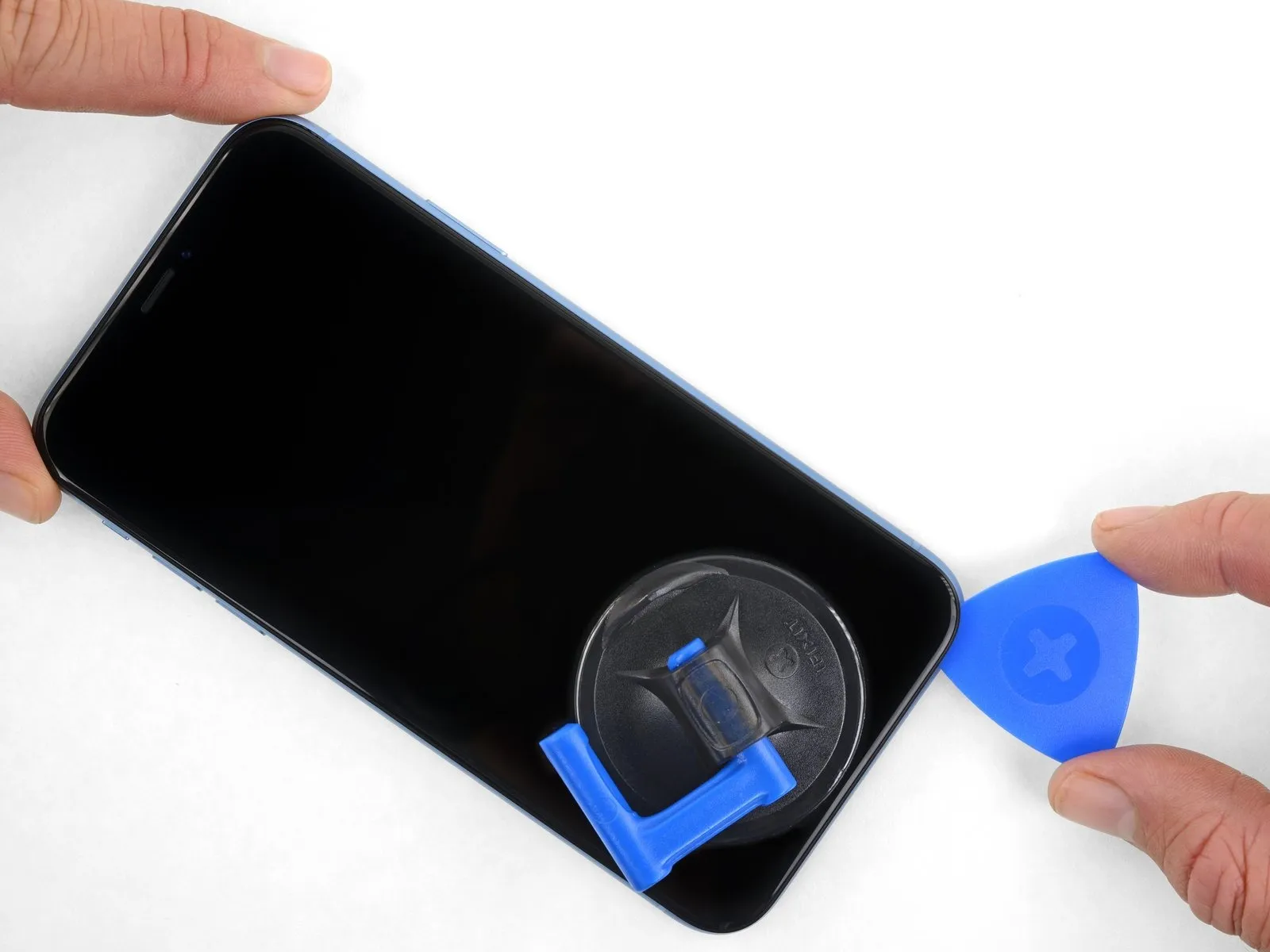
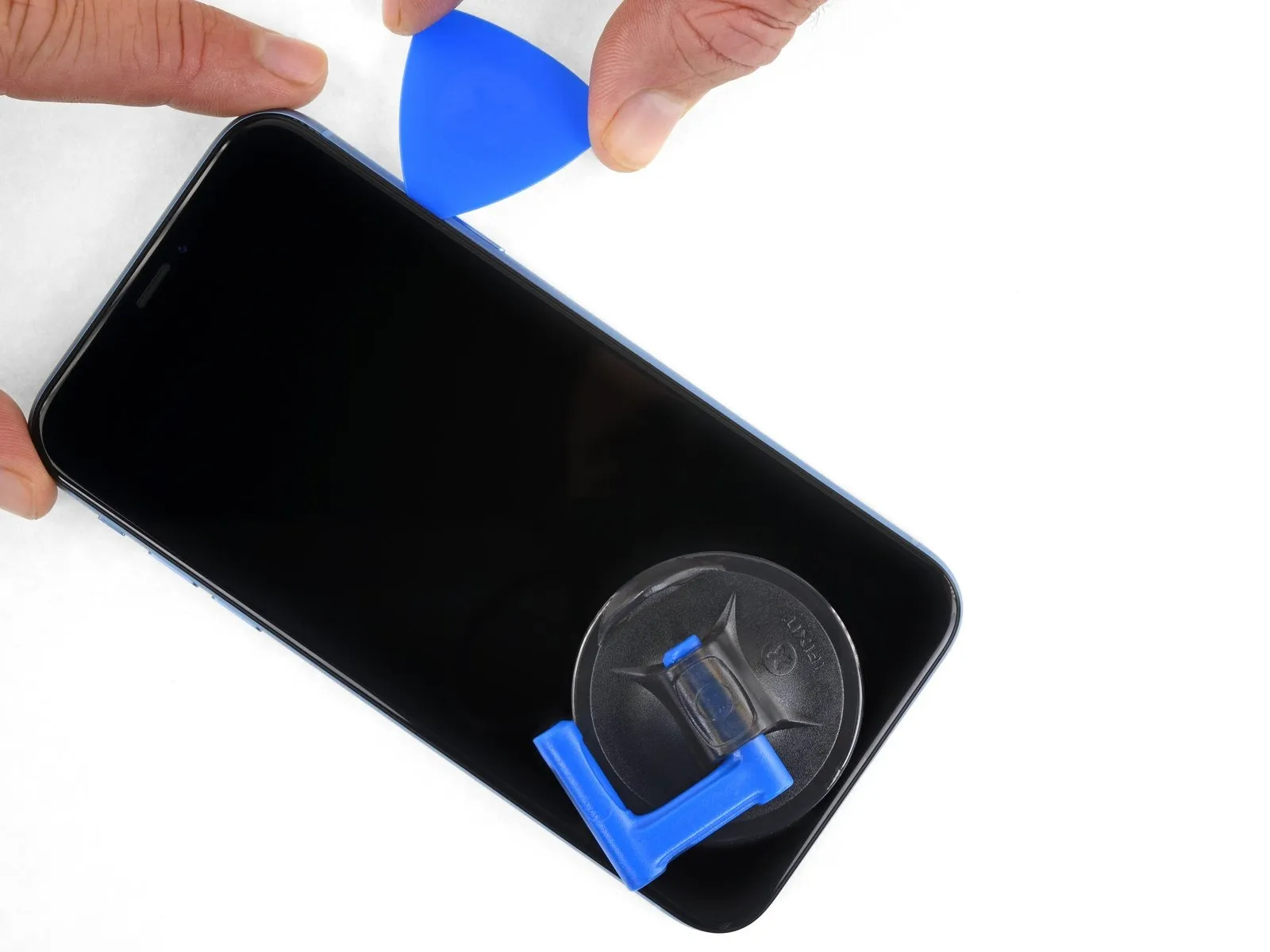
- To proceed with separating the adhesive, re-position your opening tool along the lower edge of the iPhone's casing, then advance it upwards along the right-hand side.
- Ensure the opening tool's insertion depth remains limited to a maximum of 3 mmto prevent potential harm to the delicate display cables.
Step 13
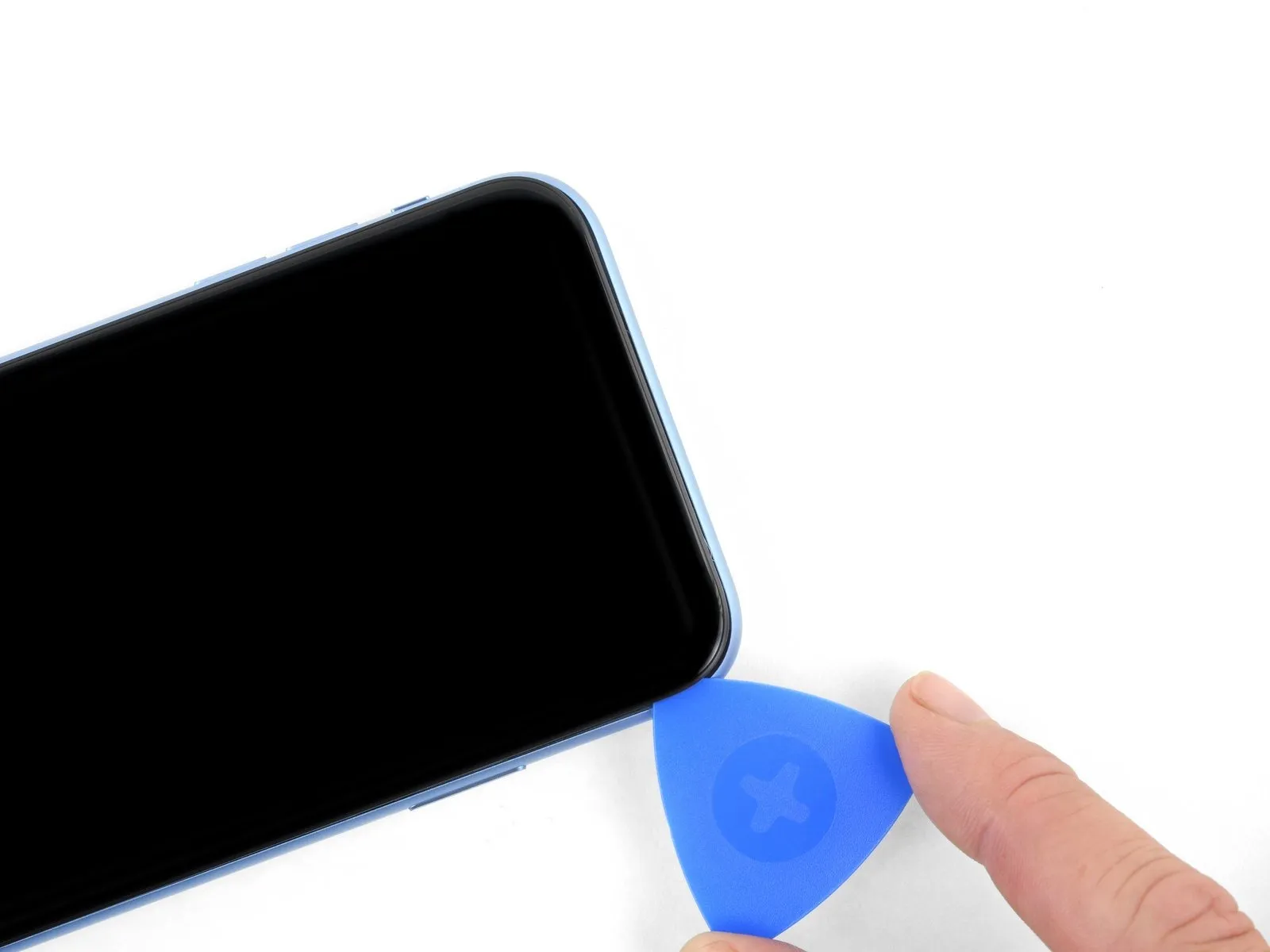
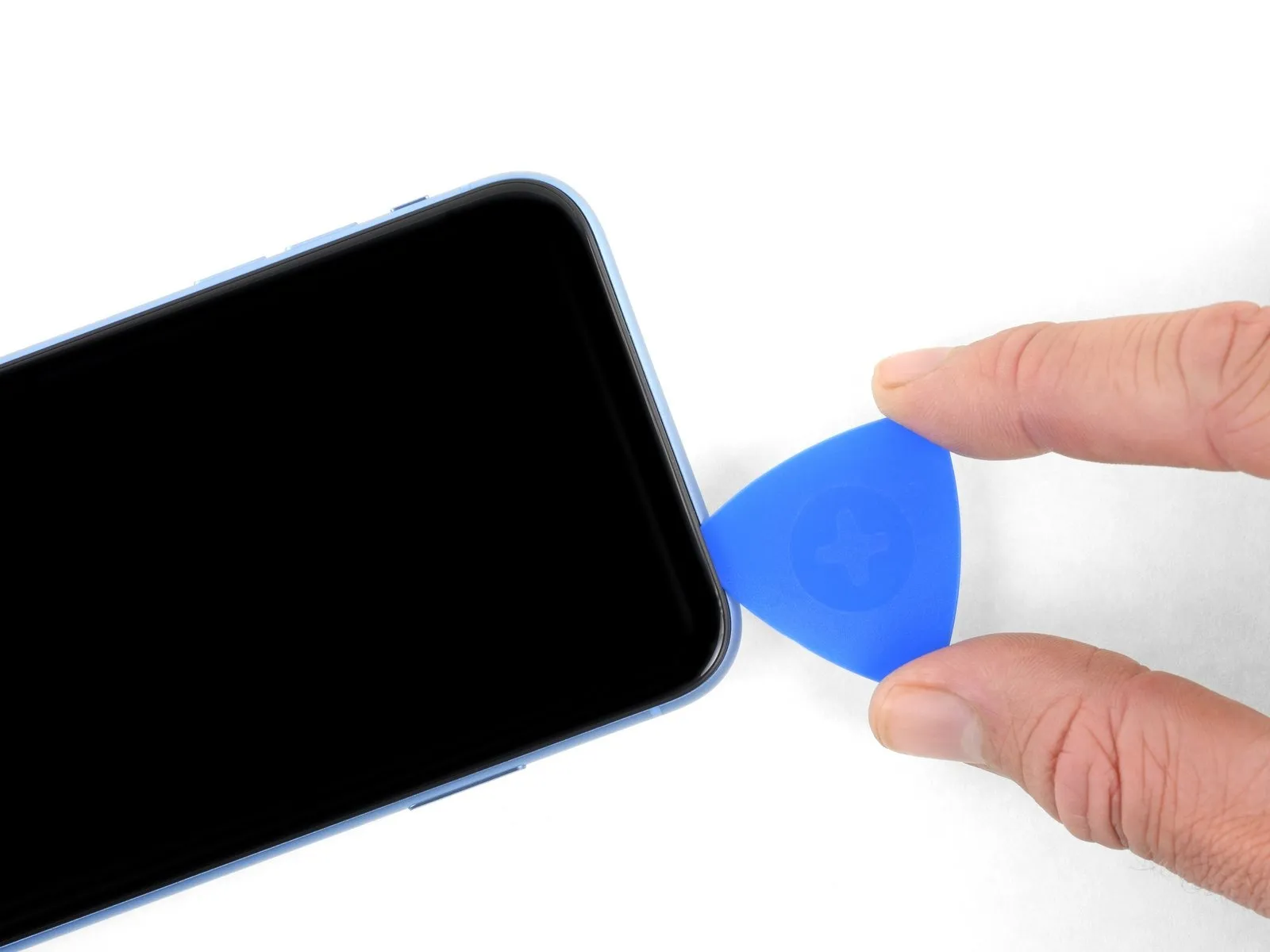
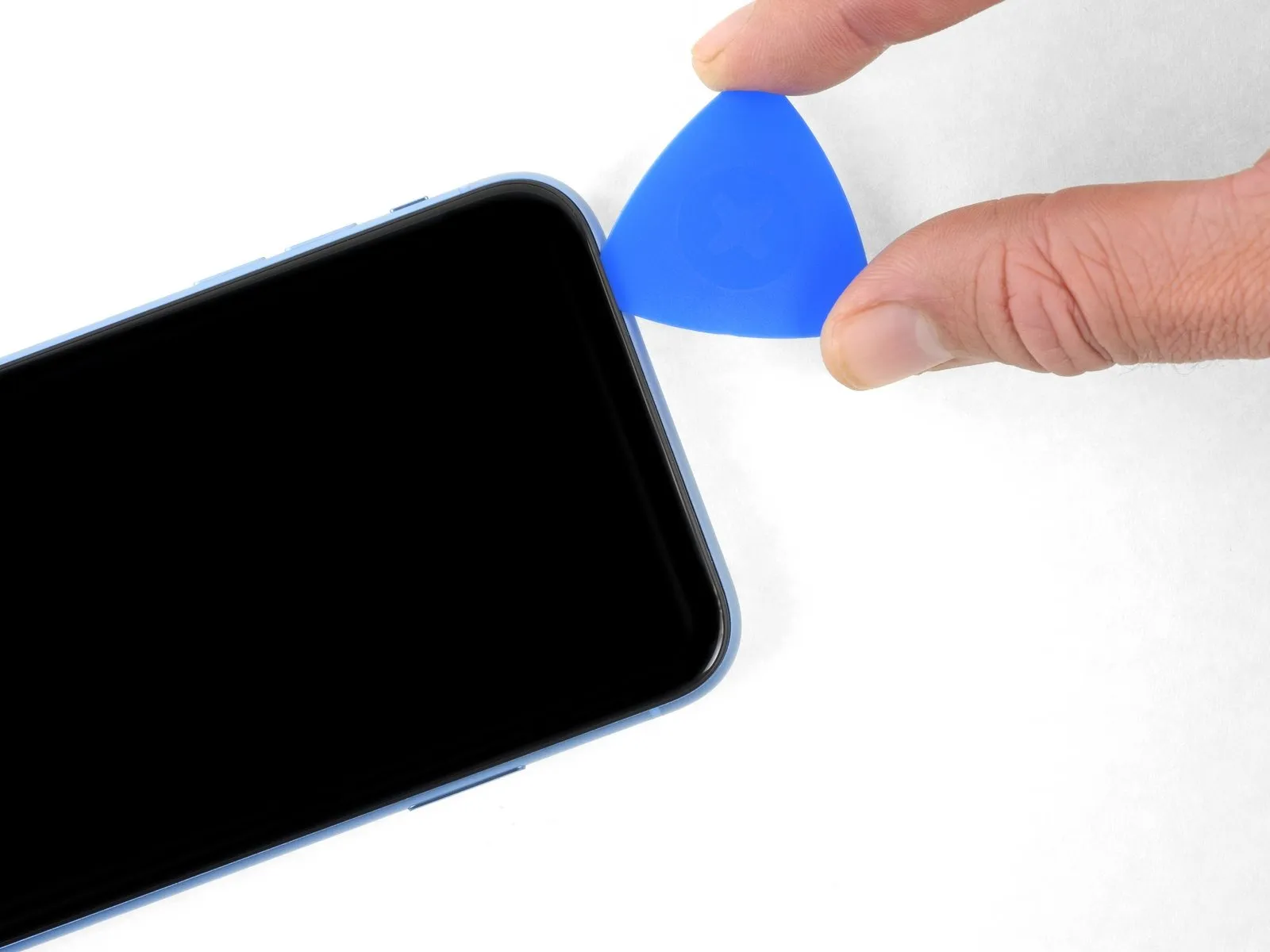
- Adhesive and retaining clips jointly fasten the display's uppermost boundary.
- Employing a separating tool, maneuver it along the display's upper corner, applying slight downward traction or oscillation towards the Lightning connector's location.
- Excessive force applied to the retaining clips will result in their fracture; therefore, proceed with caution and deliberate pace.
- To prevent potential impairment of the front panel sensor array, ensure the separating tool's insertion depth remains under 3 millimeters.
- Continue the separating tool's movement to the opposing corner, severing any residual adhesive holding the display in place.
Step 14
Step 15 | Open the iPhone
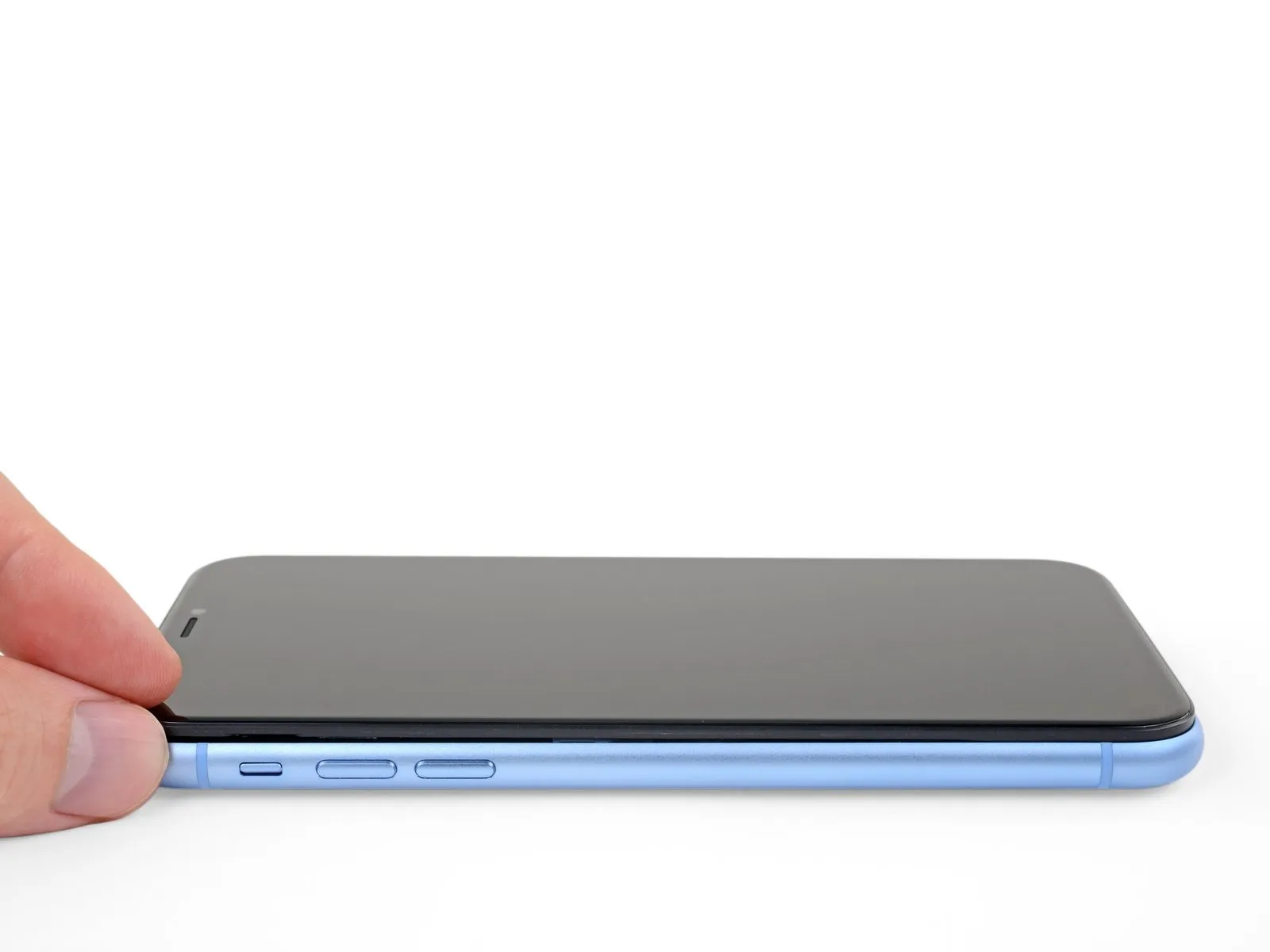
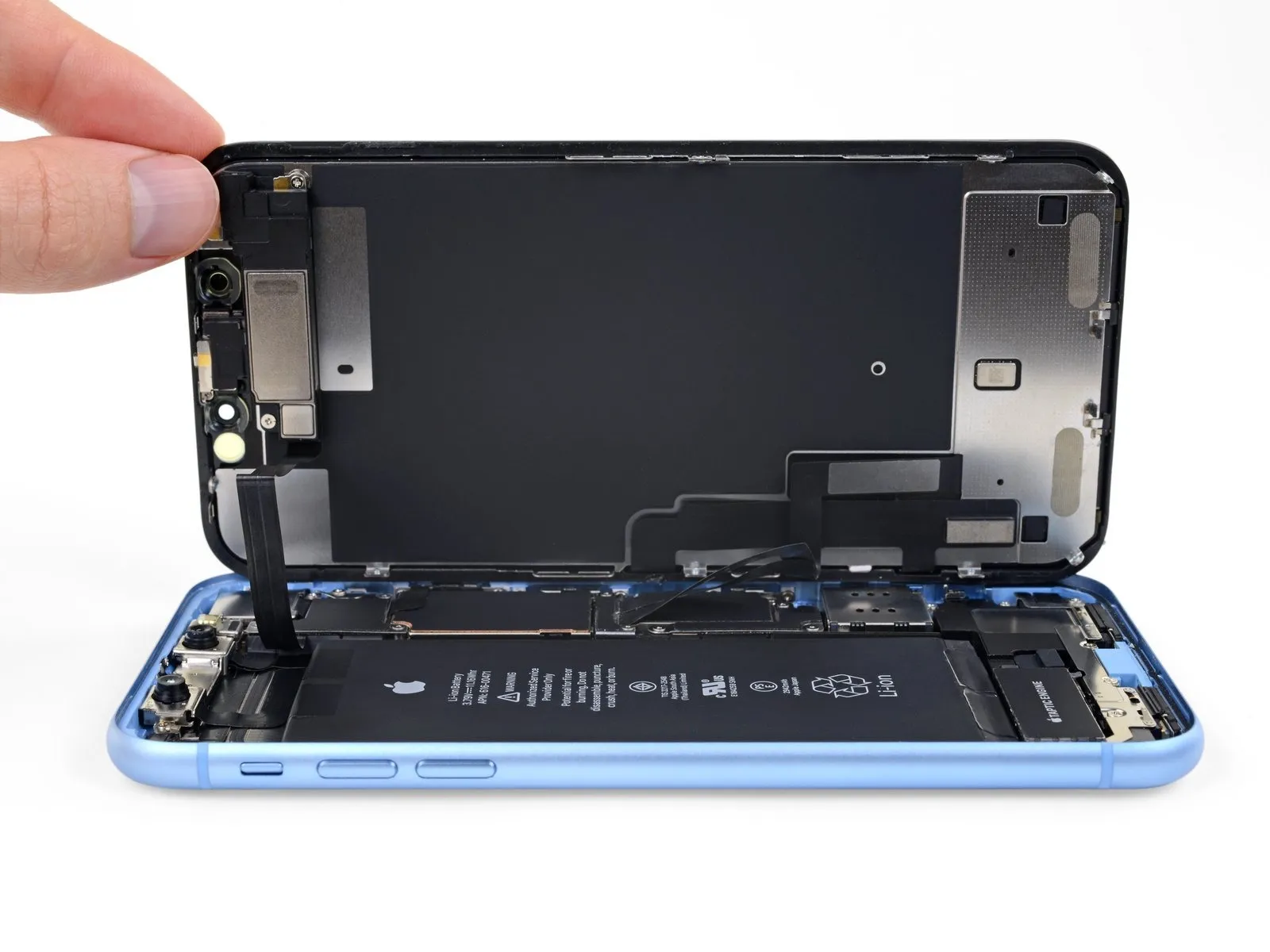
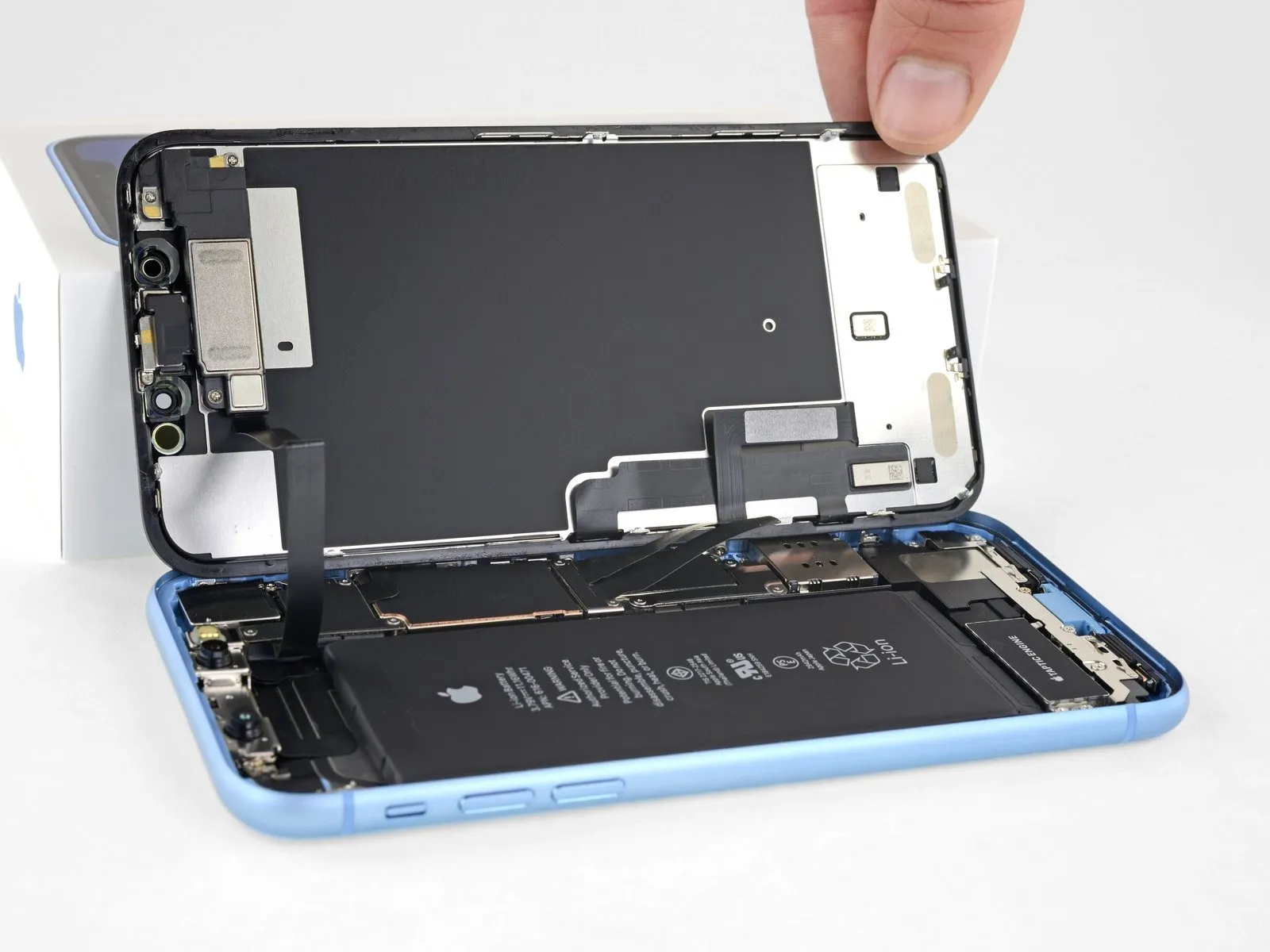
- Initiate the iPhone's disassembly process by pivoting the screen upwards from the left edge, employing a motion similar to opening a book's cover.
- Refrain from completely disconnecting the display at this stage, because multiple delicate ribbon cables remain attached to the device's logic board.
- Secure the display in an upright position using a support to facilitate access to the internal components.
- To reassemble, position the display, ensure proper alignment of the clips on the upper edge, and then apply gentle pressure to the top edge before securing the remainder of the display; if resistance is encountered, inspect the clips around the display's border for any deformation.
Step 16 | Unscrew the battery connector cover
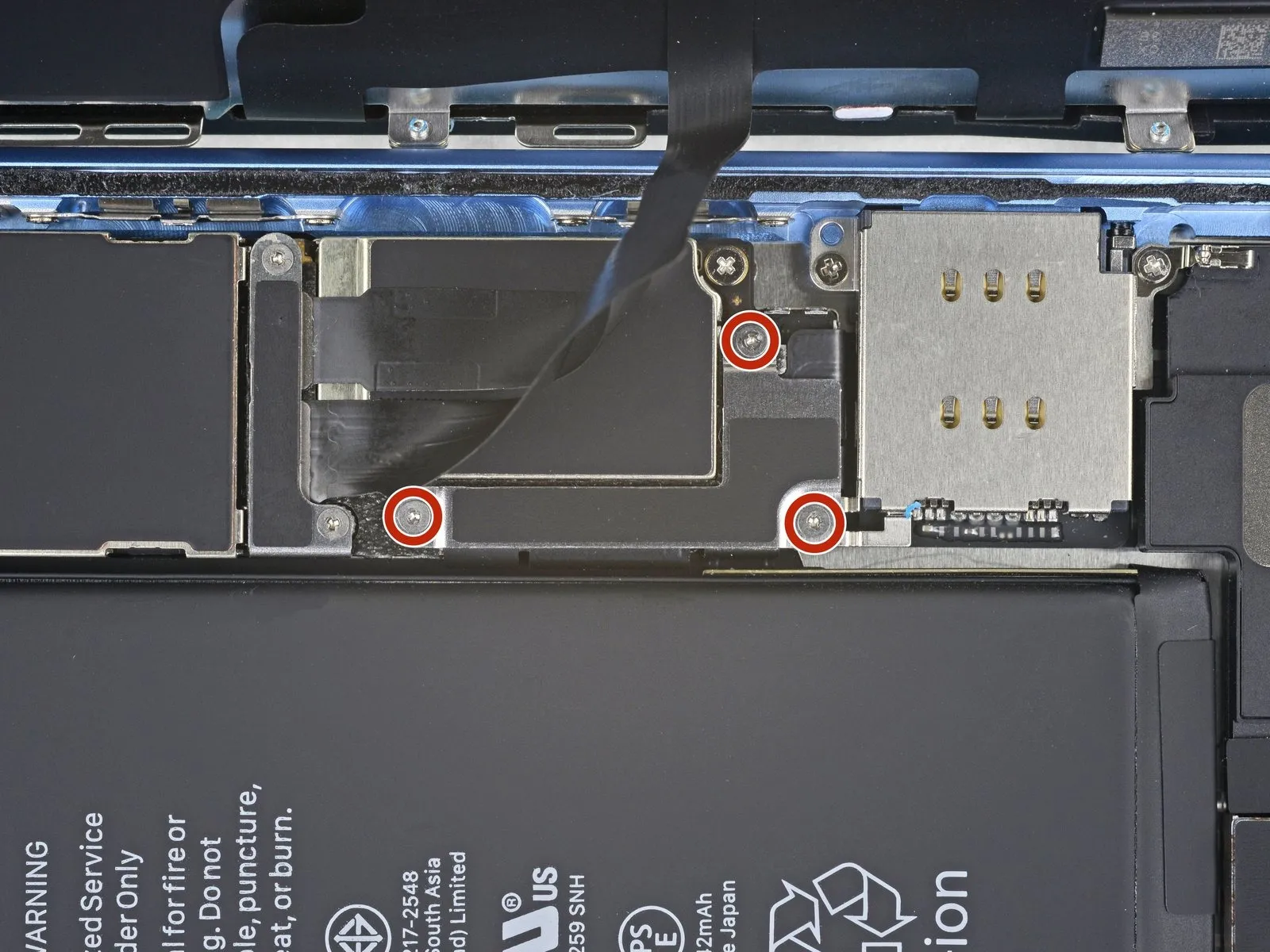
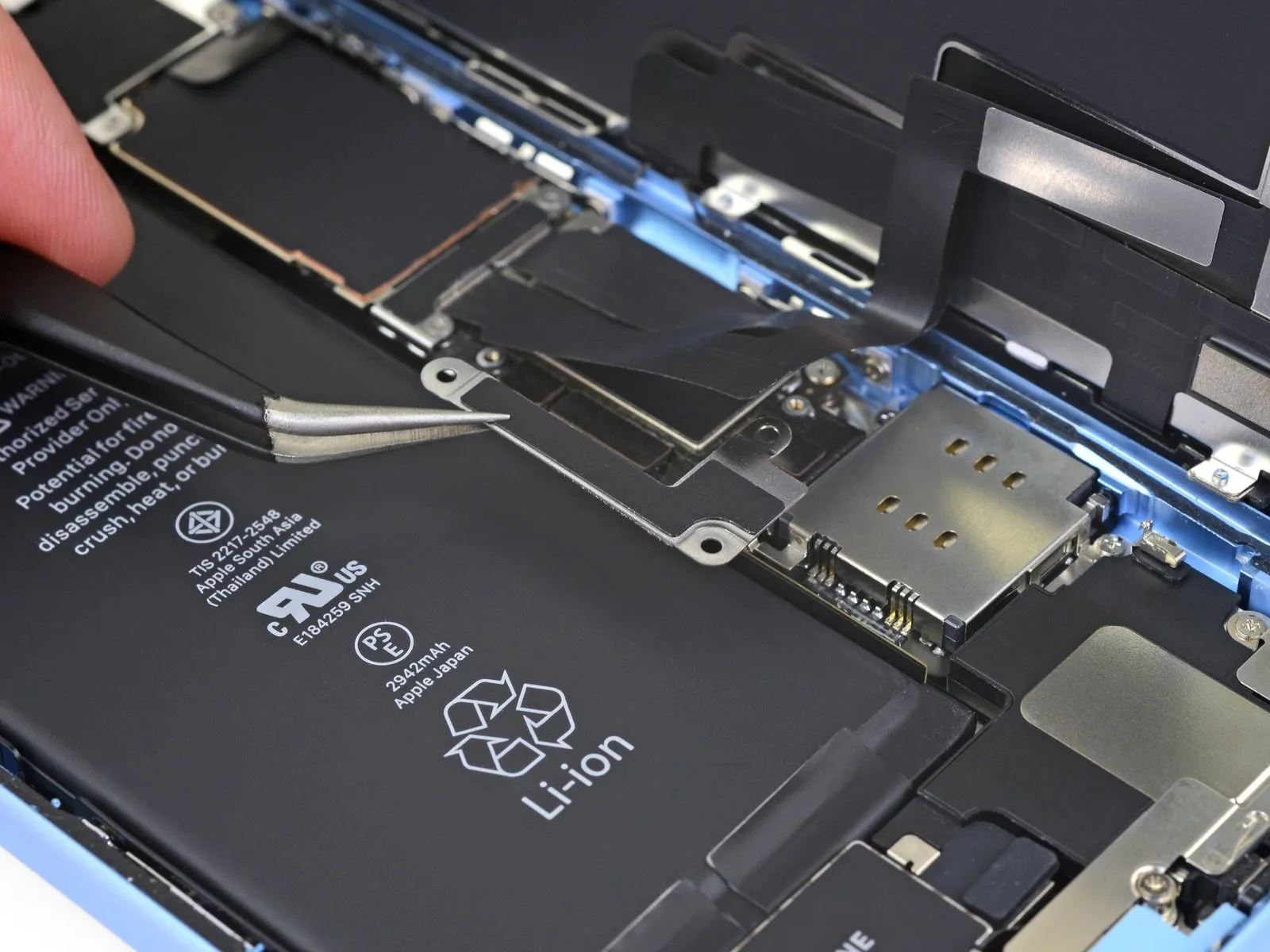
- Detach the battery connector cover bracket using three 1.2 mm Y000 screws.The bracket itself should then be removed.Carefully monitor the location of each screw throughout the repair process, ensuring correct placement during reassembly to prevent potential damage to the iPhone.
- A functional test of all iPhone features is recommended at this stage, before the display is permanently reattached.
Prior to proceeding with the final assembly steps, completely power off the iPhone.
This testing phase allows for verification of proper operation before the display is secured.
Step 17 | Disconnect the battery
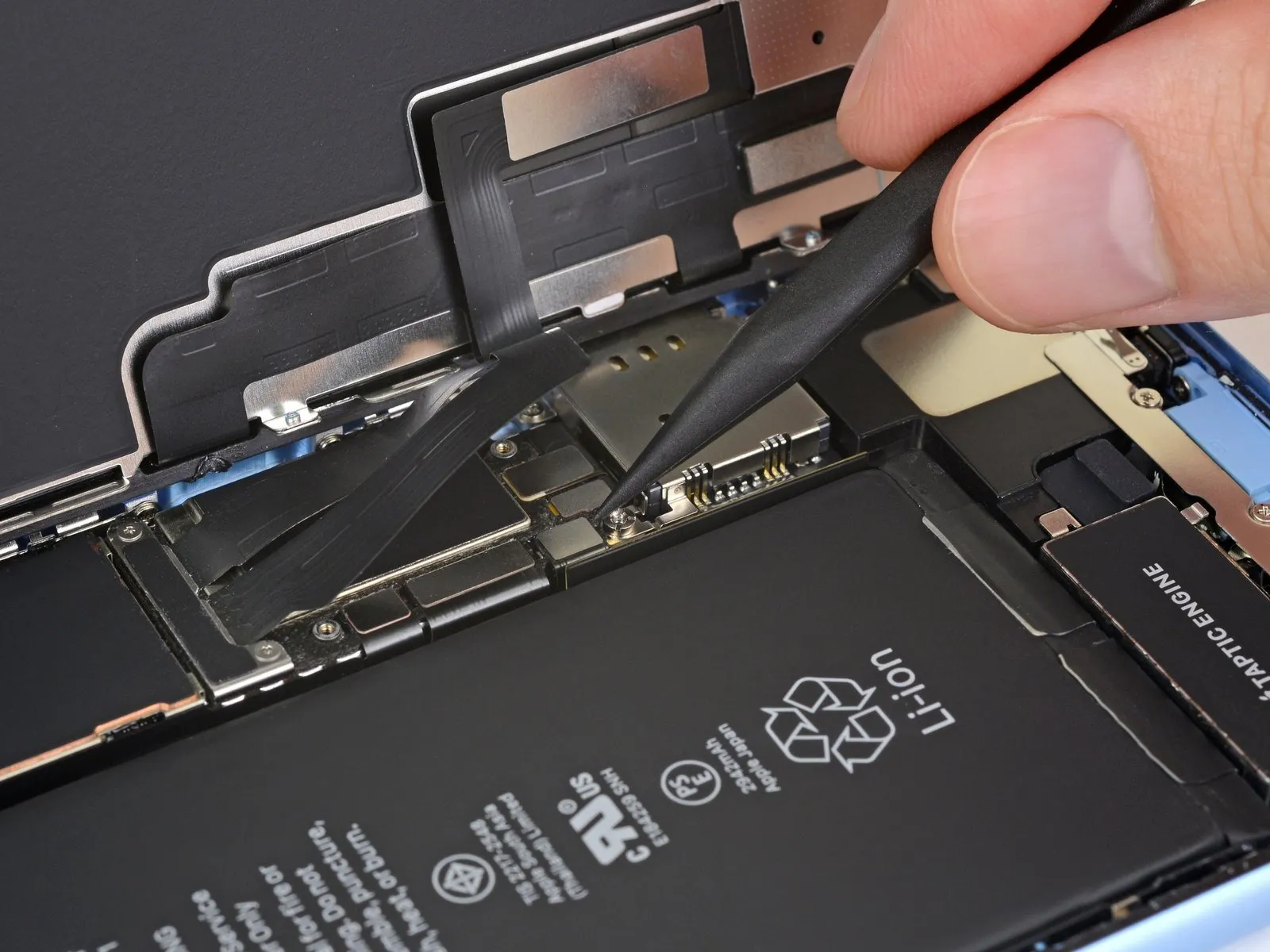
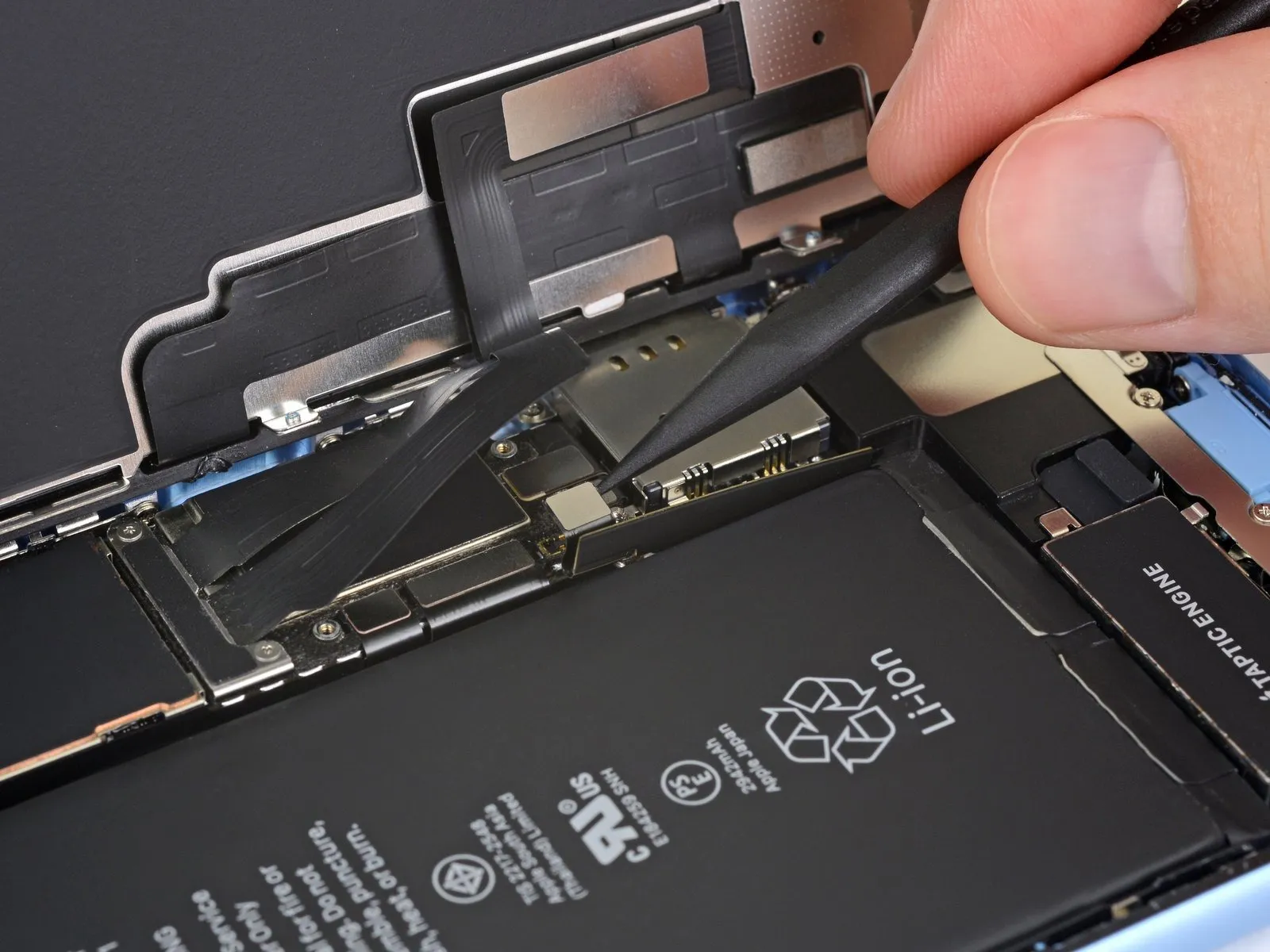
- Employ the tip of a spudger to lift the battery connector vertically from its corresponding receptacle.Exercise caution to avoid harming the black silicone seals located around this connector and other board interfaces, as they offer supplemental defense against water and dust ingress.Slightly deflect the connector away from the main circuit board to ensure it cannot inadvertently establish an electrical connection and energize the device during the repair process.
- The battery connector's removal necessitates a direct upward force applied by the spudger's pointed end.
- Maintaining the integrity of the silicone seals is crucial for preserving the device's environmental protection capabilities.
Step 18 | Unscrew the display connector cover
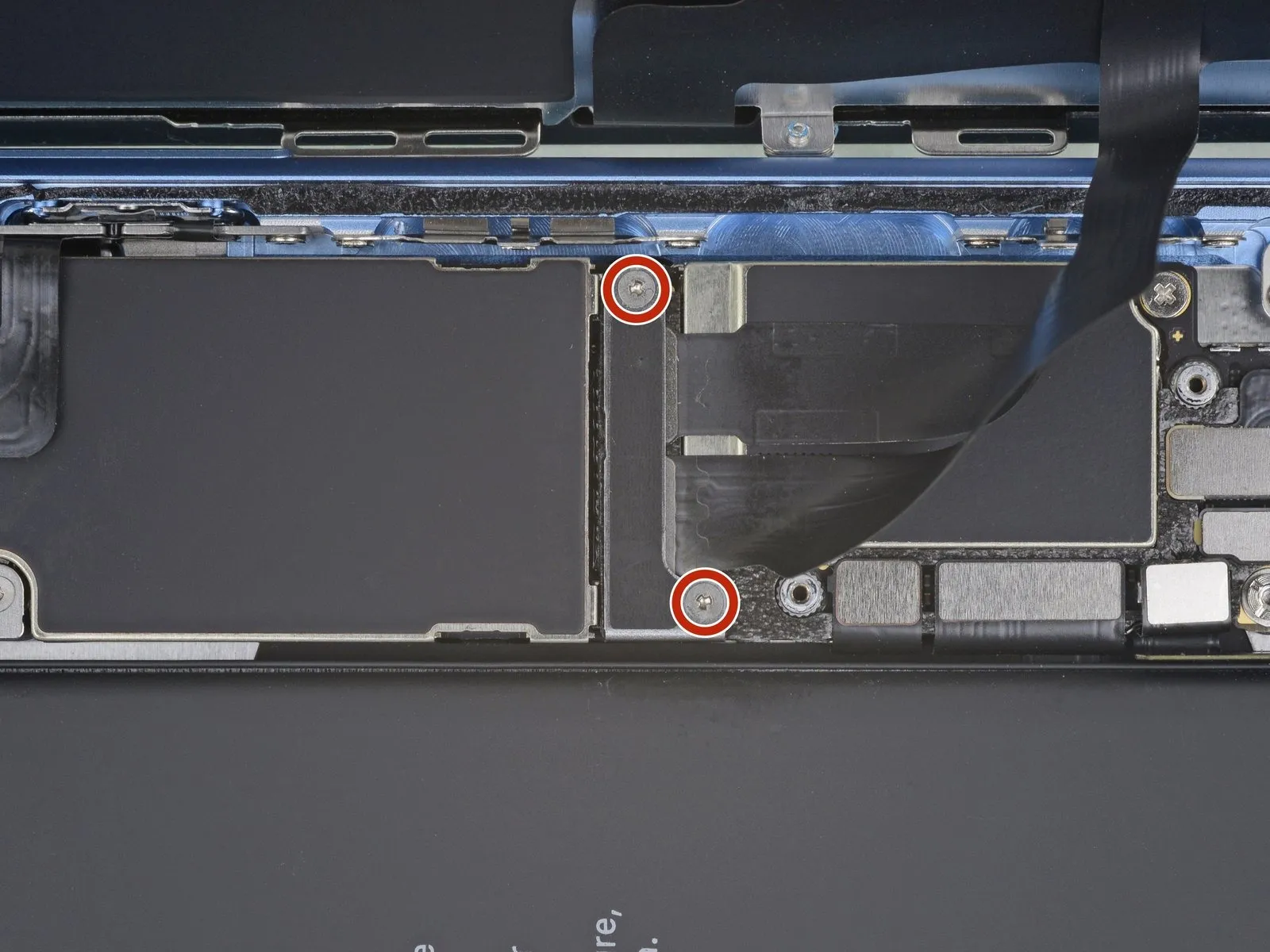
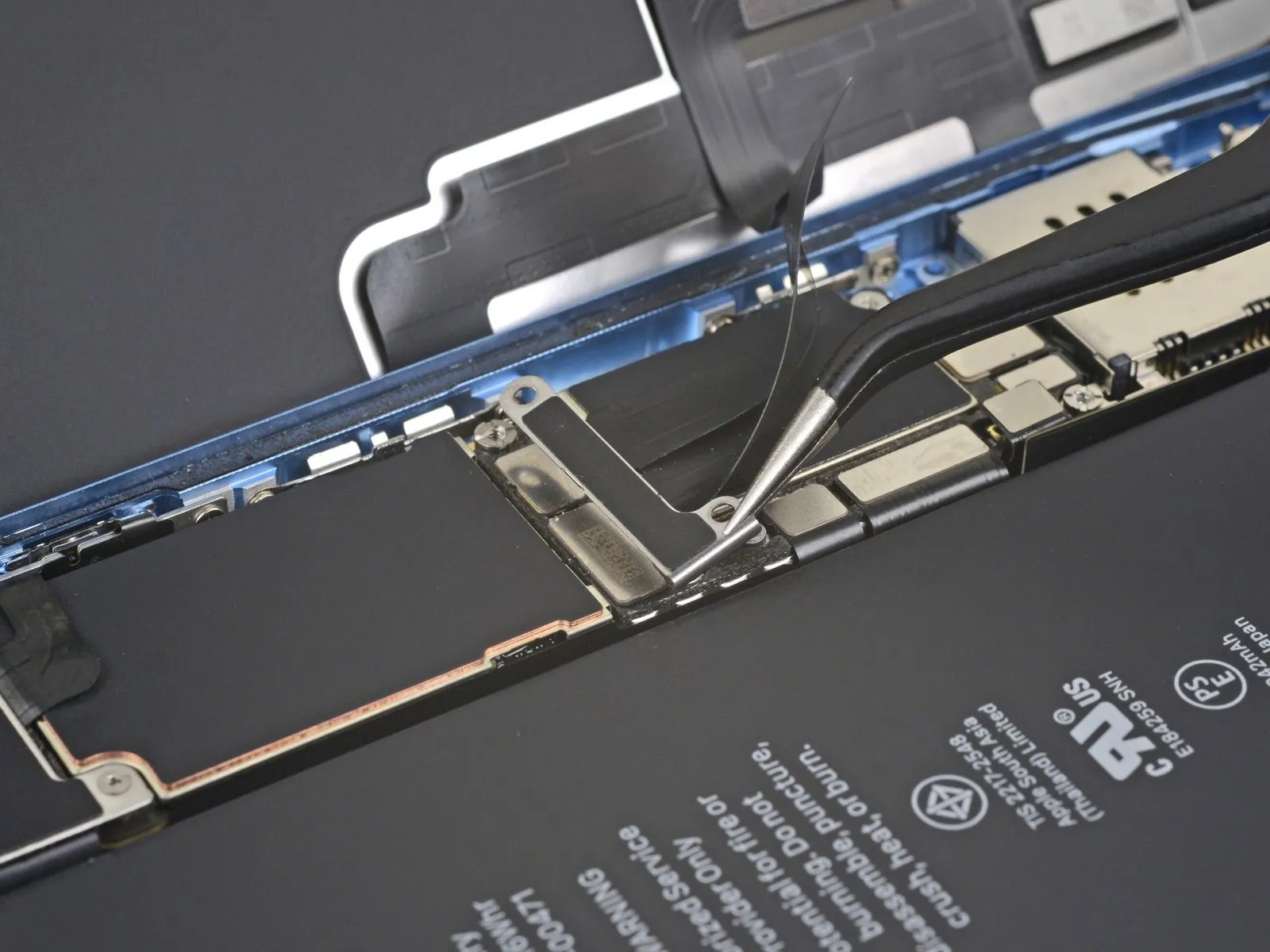
- To detach the display connector bracket, first eliminate the two screws.The screws holding the bracket in place are sized at 1.2 mm and require a Y000 screwdriver for removal.Following screw removal, the bracket can be taken off.
- Complete the bracket's removal from the device.
Step 19 | Disconnect the digitizer
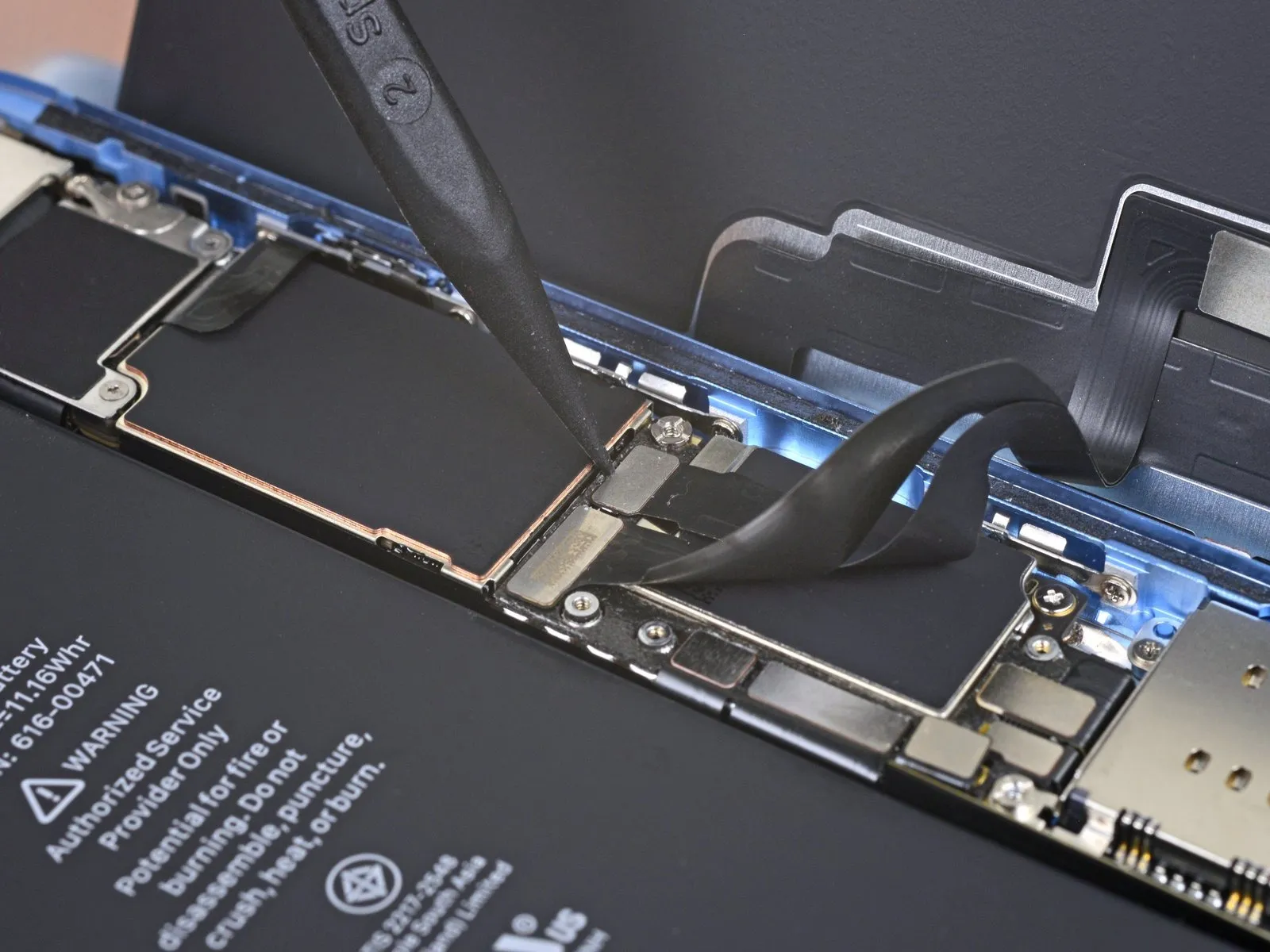
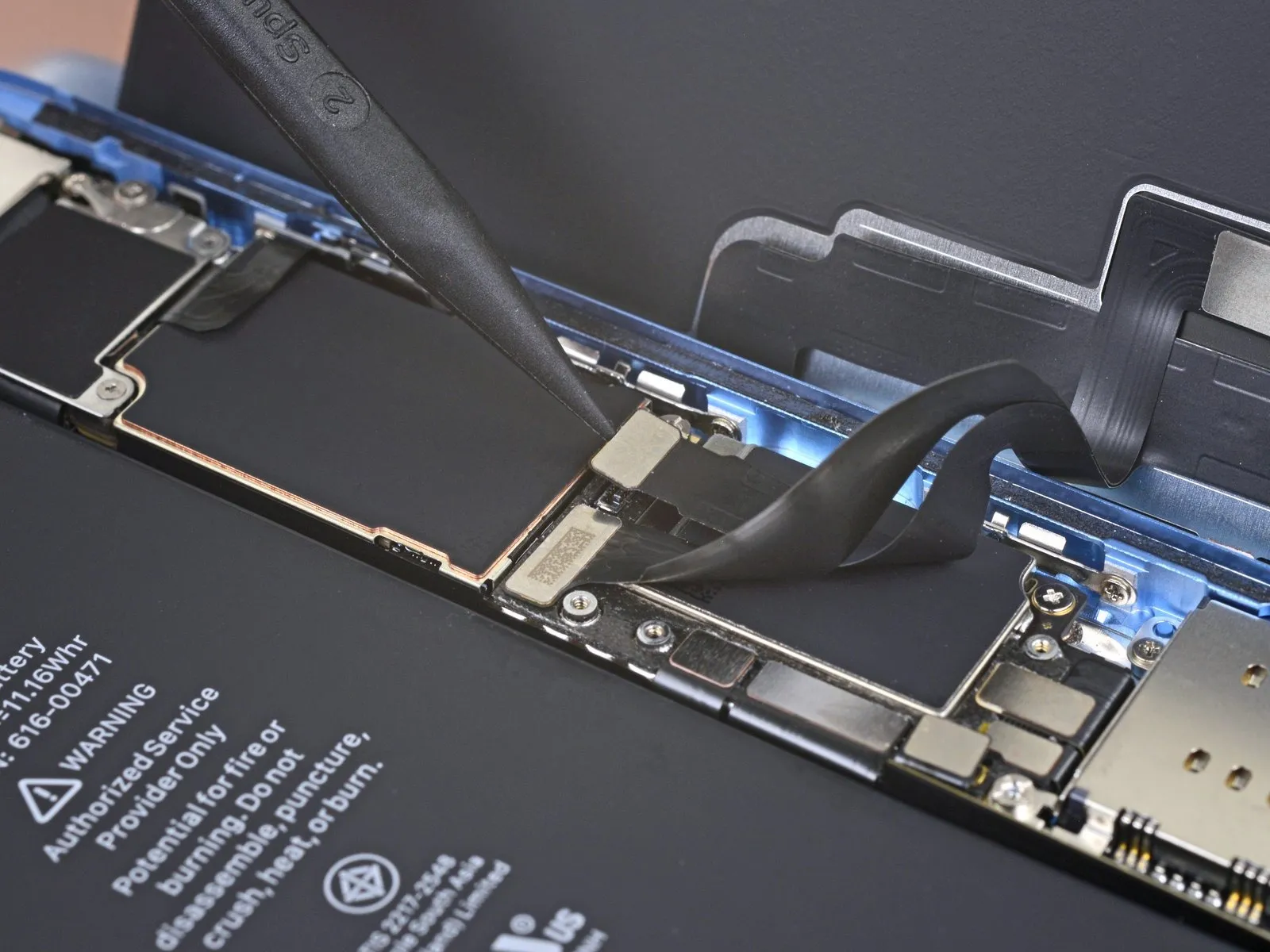
- Employ the pointed end of a spudger to gently lift and separate the digitizer cable's connection.For reattachment, position the connectors similarly, ensuring precise alignment before applying downward pressure to one edge until a distinct click is heard; then, repeat the process on the opposing edge, avoiding pressure on the central portion.Connector misalignment carries the risk of pin deformation, which can result in irreversible damage to the device.
Should unresponsive areas appear on the screen following the repair, first remove the battery, then reseat this connector, verifying a secure click and confirming the absence of any debris within the socket. - Proper seating of the connector is crucial, and any foreign particles obstructing the socket must be removed to ensure functionality.
Step 20 | Disconnect the display
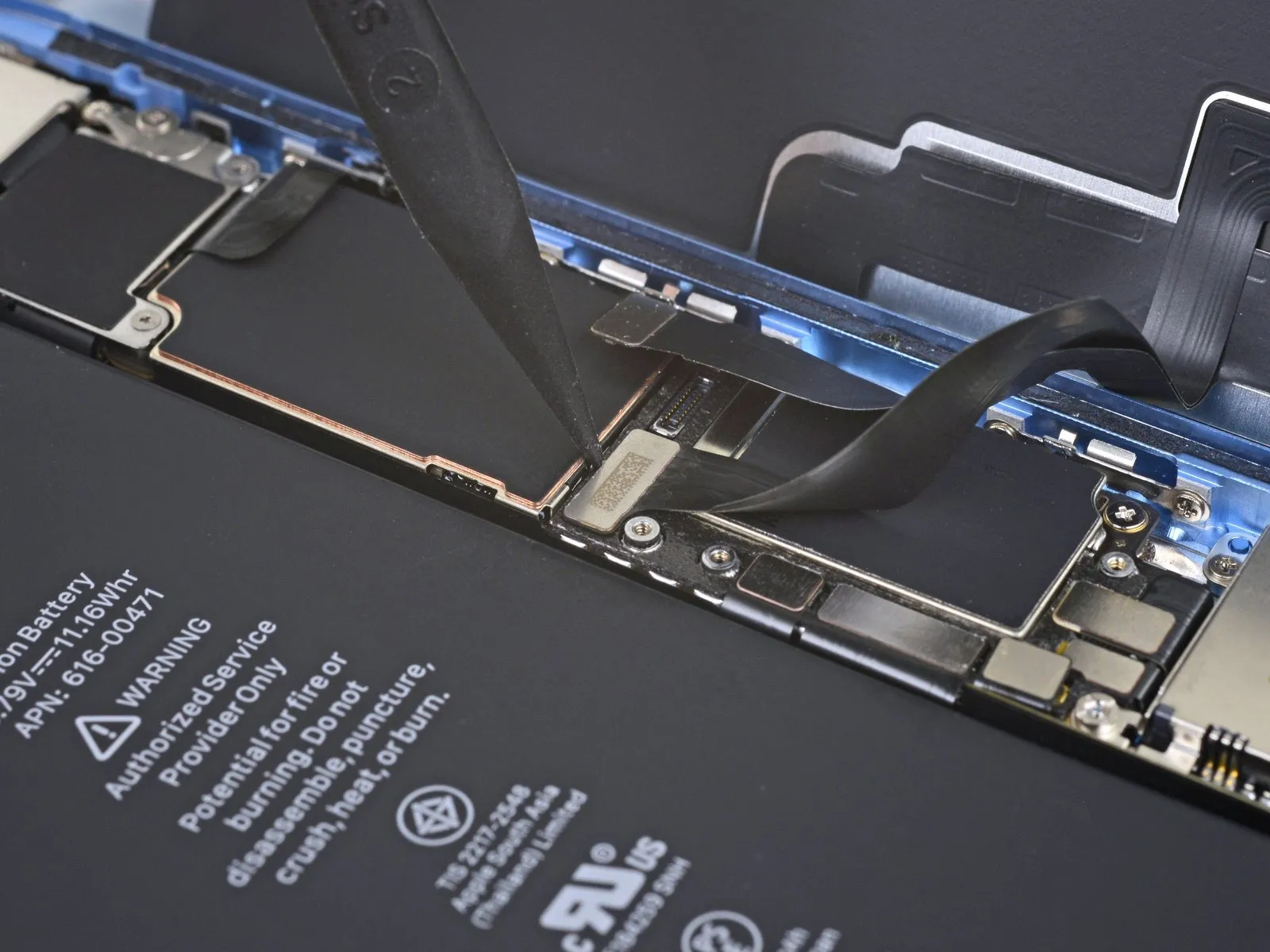
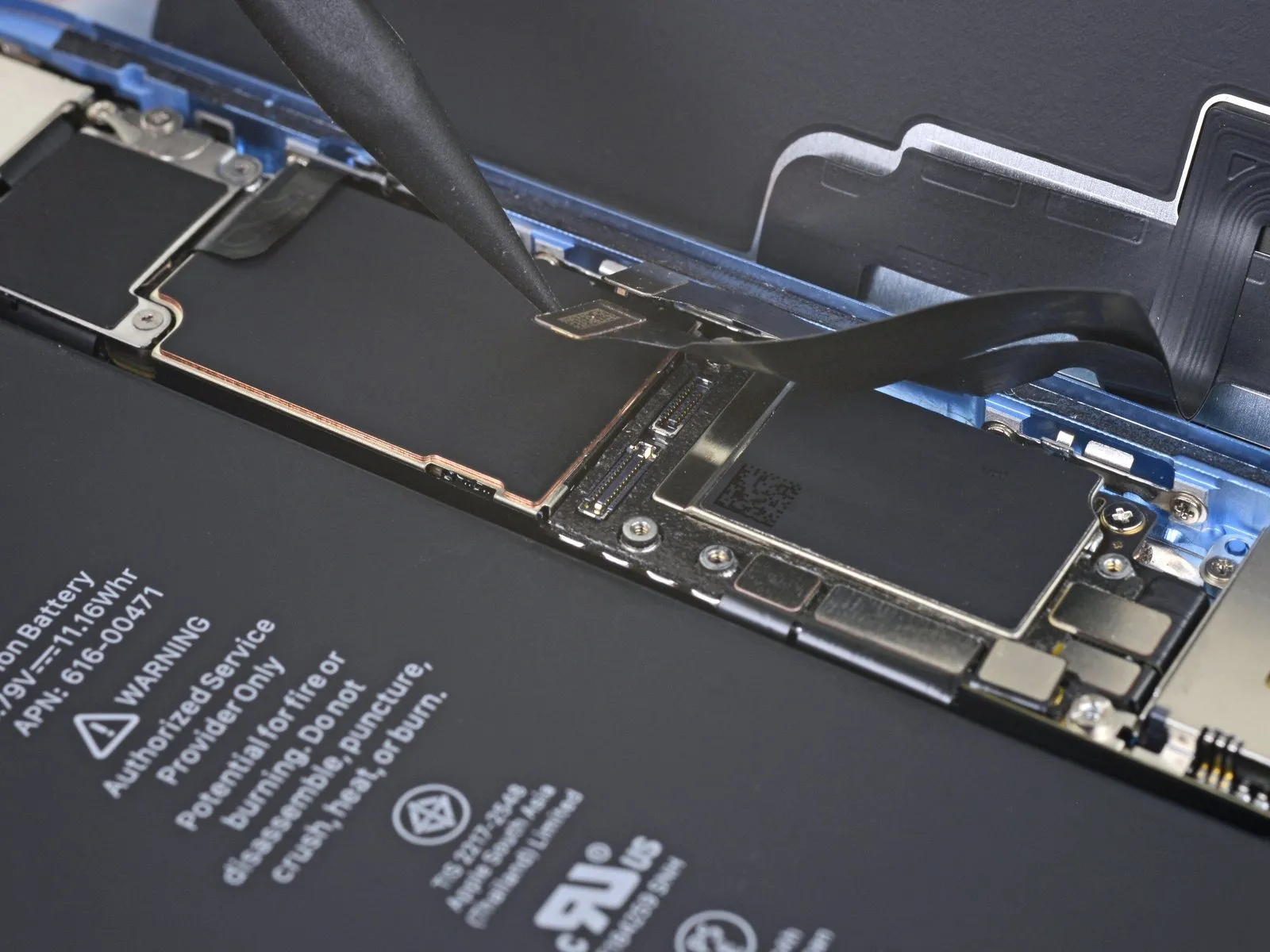
- Employ the pointed end of a spudger to carefully separate the display cable's connector.The display cable connector should be detached utilizing the spudger's tip to avoid damage.A spudger's pointed tip is necessary for disconnecting the display cable connector.
Step 21 | Unscrew the logic board connector cover
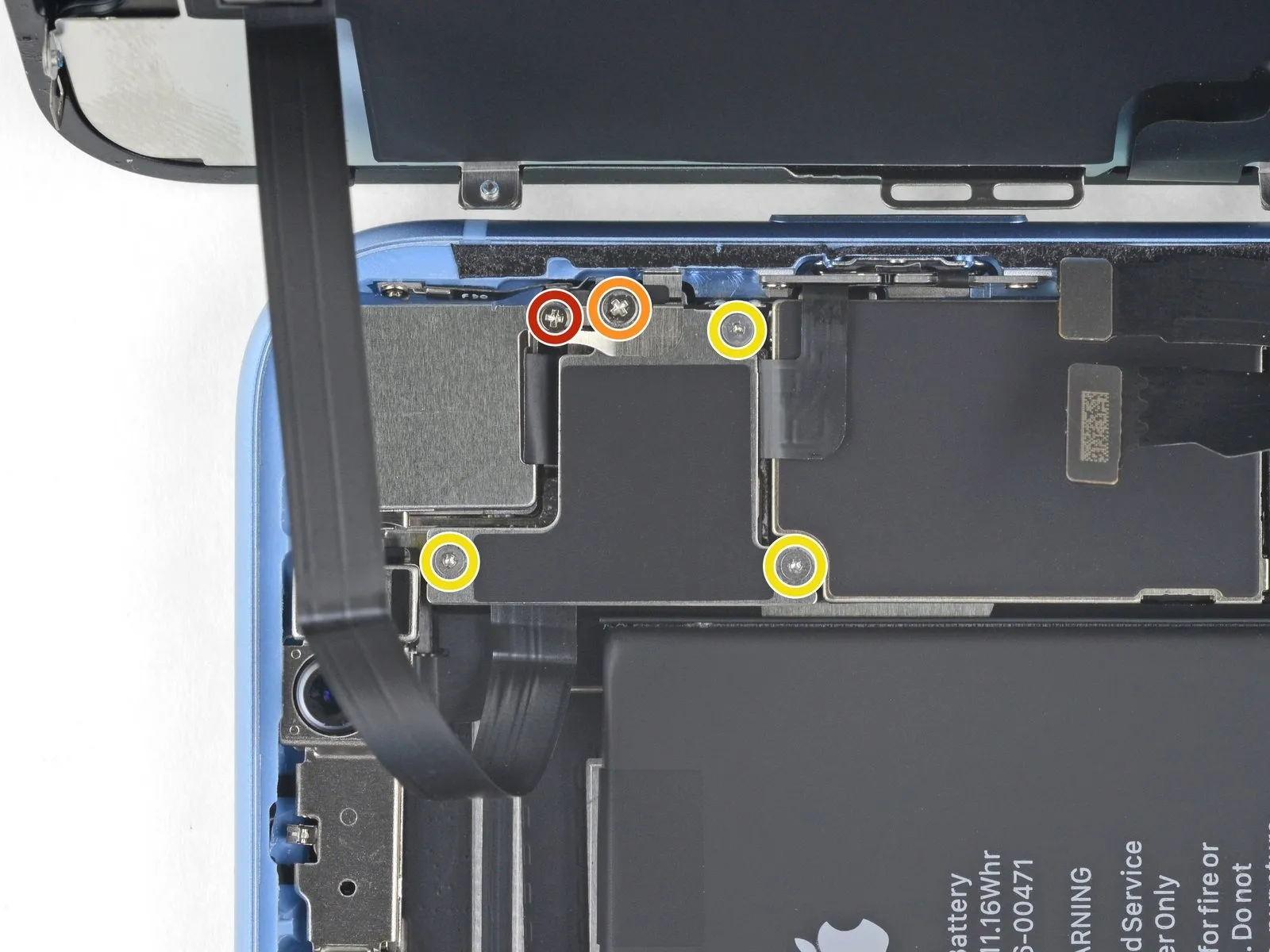
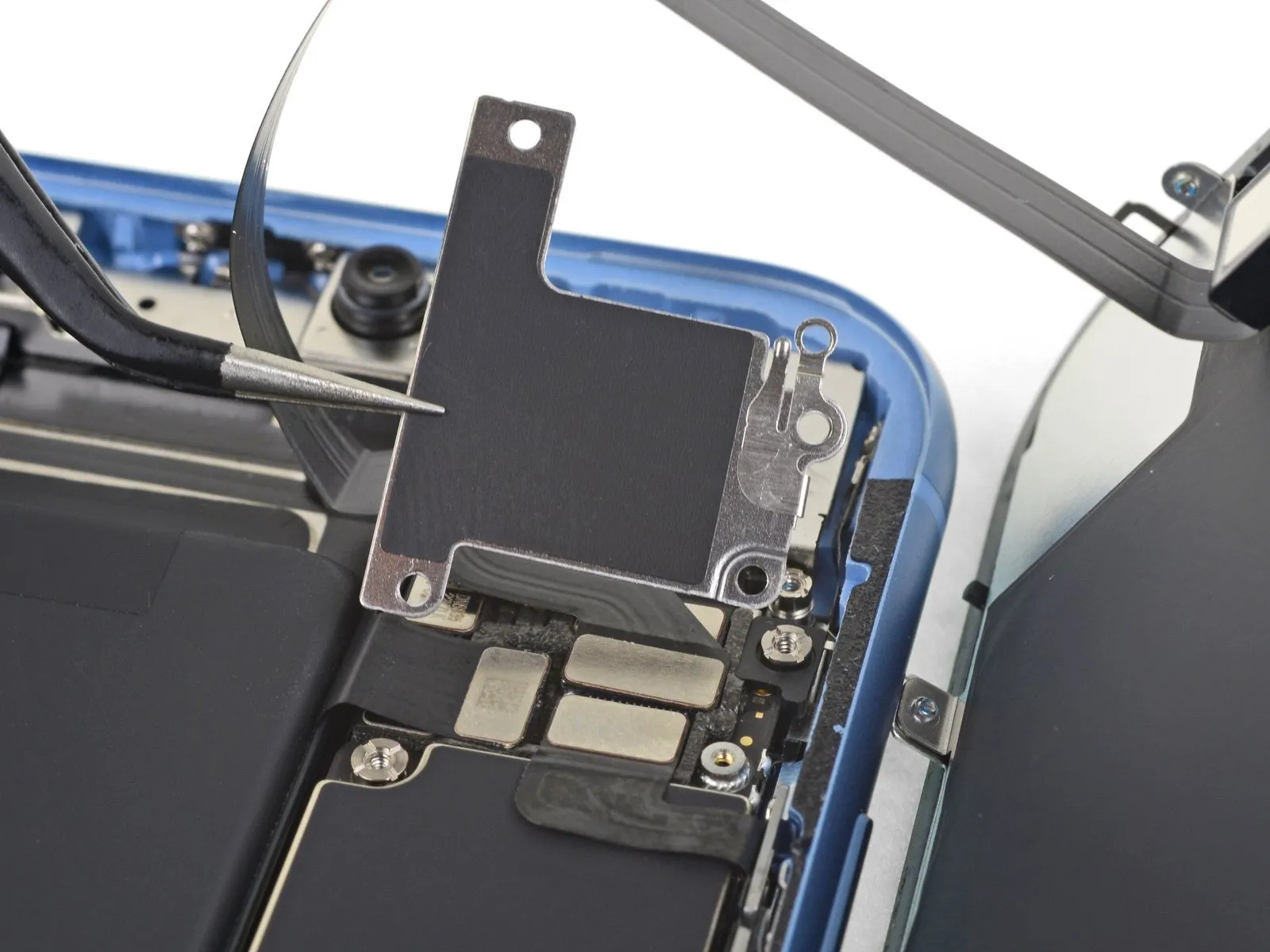
- To detach the logic board connector bracket from the rear case, first loosen the five screws that hold it in place.
A single Phillips #000 screwdriver, sized 1.3 millimeters, is required for this step.
A separate Phillips #000 screwdriver, measuring 1.5 millimeters, is also needed.
Three screws, each 1.2 millimeters in size and requiring a Y000 screwdriver, are used for the attachment.
After loosening the screws, proceed to remove the bracket itself.
Exercise caution to prevent the loss of the smaller bracket attached to the edge of the larger one, which is held in place by a small clip and can be dislodged easily.
Step 22

Step 23 | Disconnect the front sensors
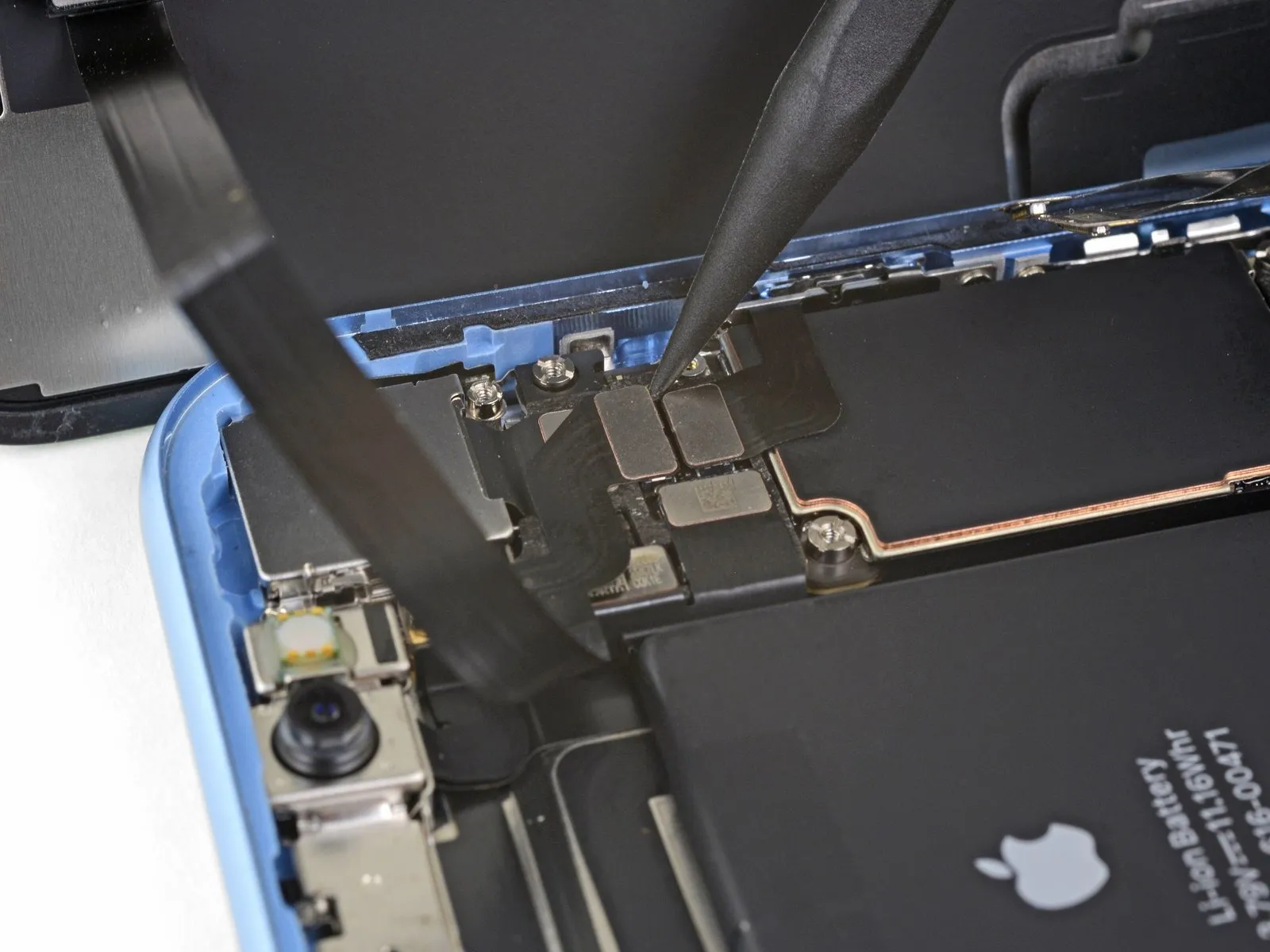
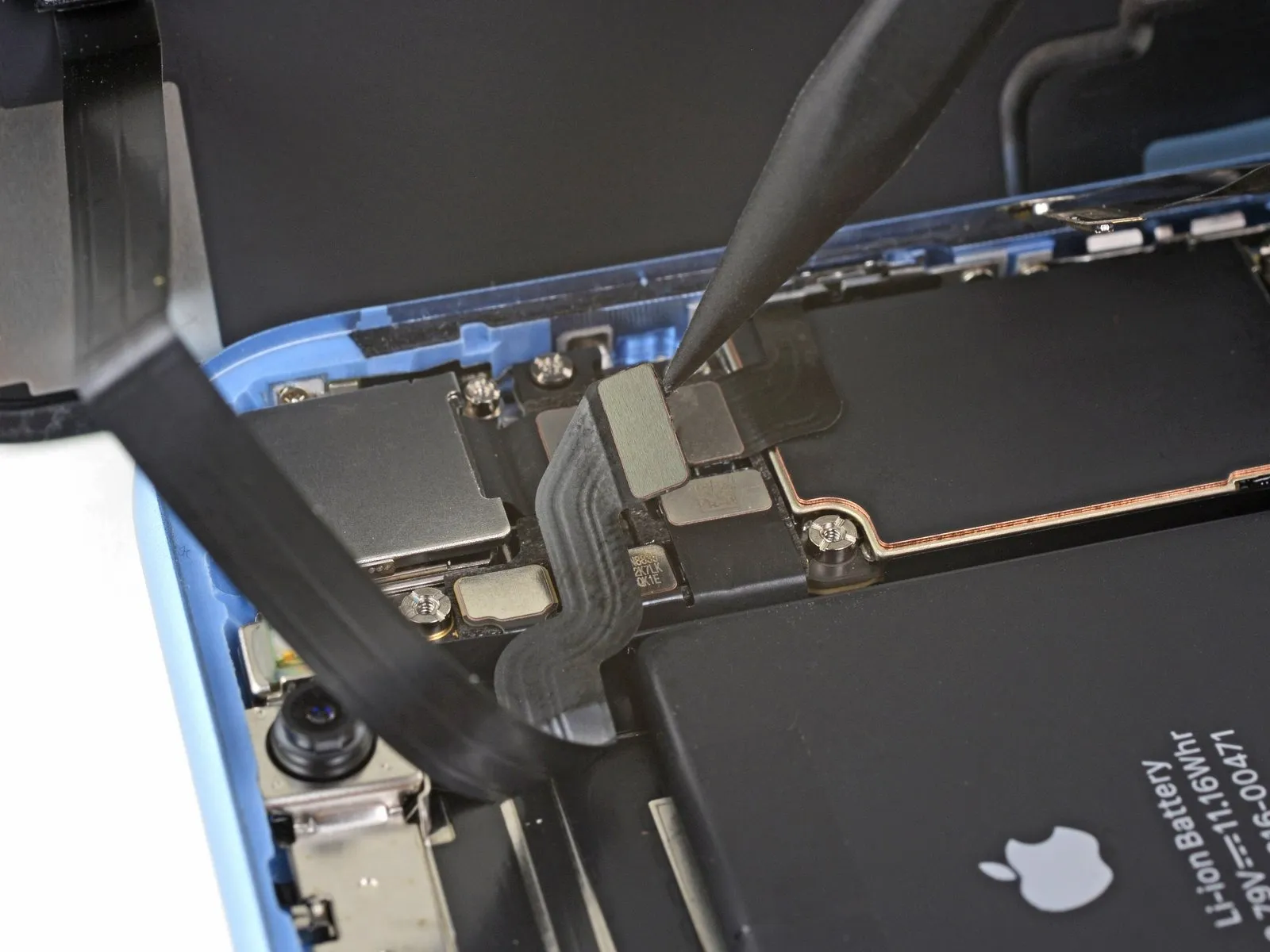
Step 24 | Remove the display assembly
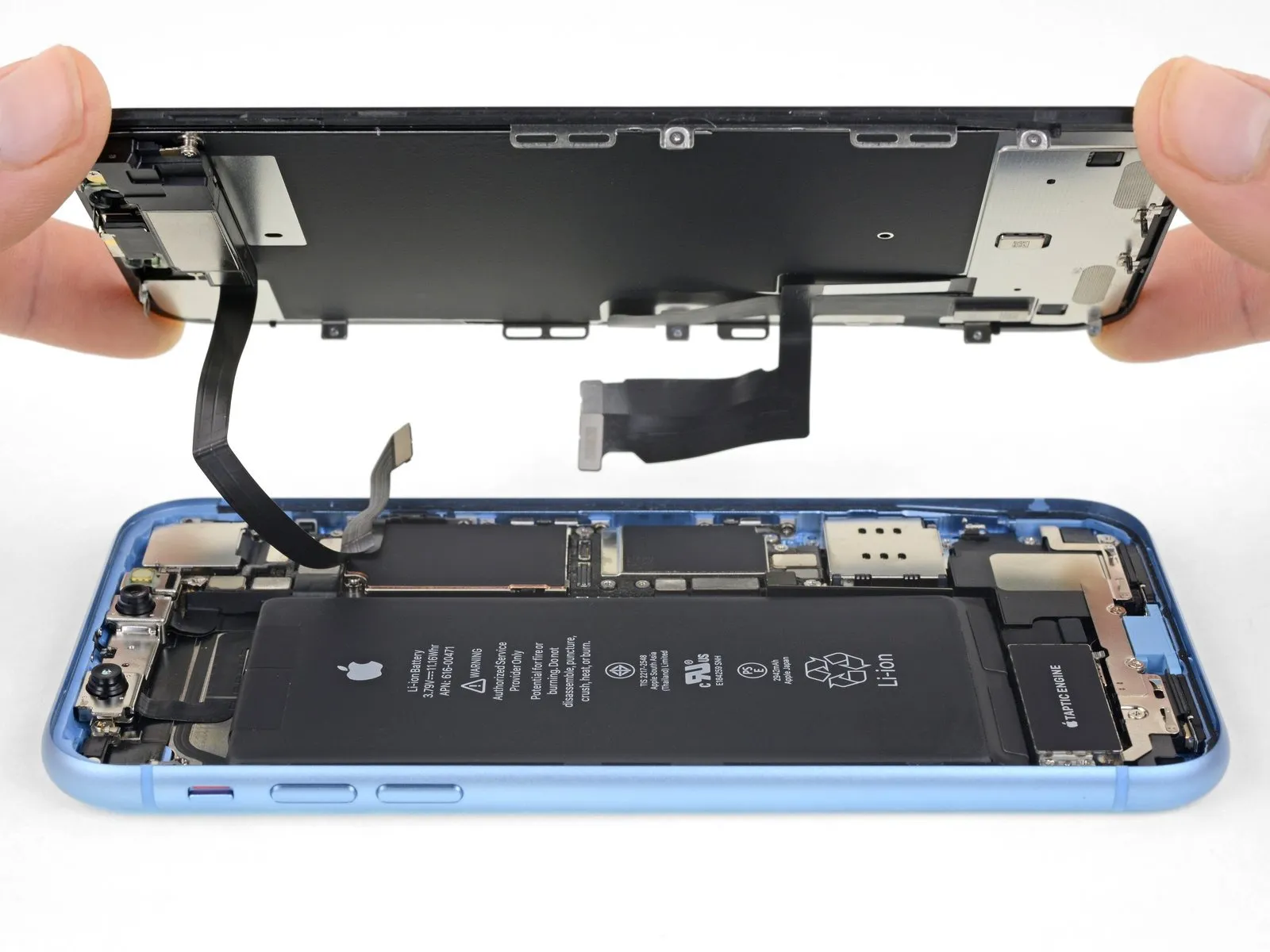
- Detach the display unit from the device.
If you intend to substitute the waterproof adhesive sealant that borders the display during reassembly, halt the process at this stage.
Step 25 | Rear-Facing Camera

- To detach the rear camera cover, first eliminate the two fasteners that hold it in place.
- A 1.6-millimeter Phillips head screw is required for this process.
- A 2.4-millimeter standoff screw is also present and needs removal.
If a standoff bit is unavailable, a small flathead screwdriver can be utilized as a substitute, but exercise heightened care to prevent slippage and potential harm to nearby parts.
Step 26

Step 27


Step 28


- Utilizing a spudger, carefully introduce its pointed end into the gap situated at the upper-left corner of the camera module, separating it from the iPhone's chassis.
Apply slight upward force to the spudger, creating leverage to disengage the camera assembly from the iPhone.
Step 29
