iPhone 7 Plus Pentalobe Screws Replacement
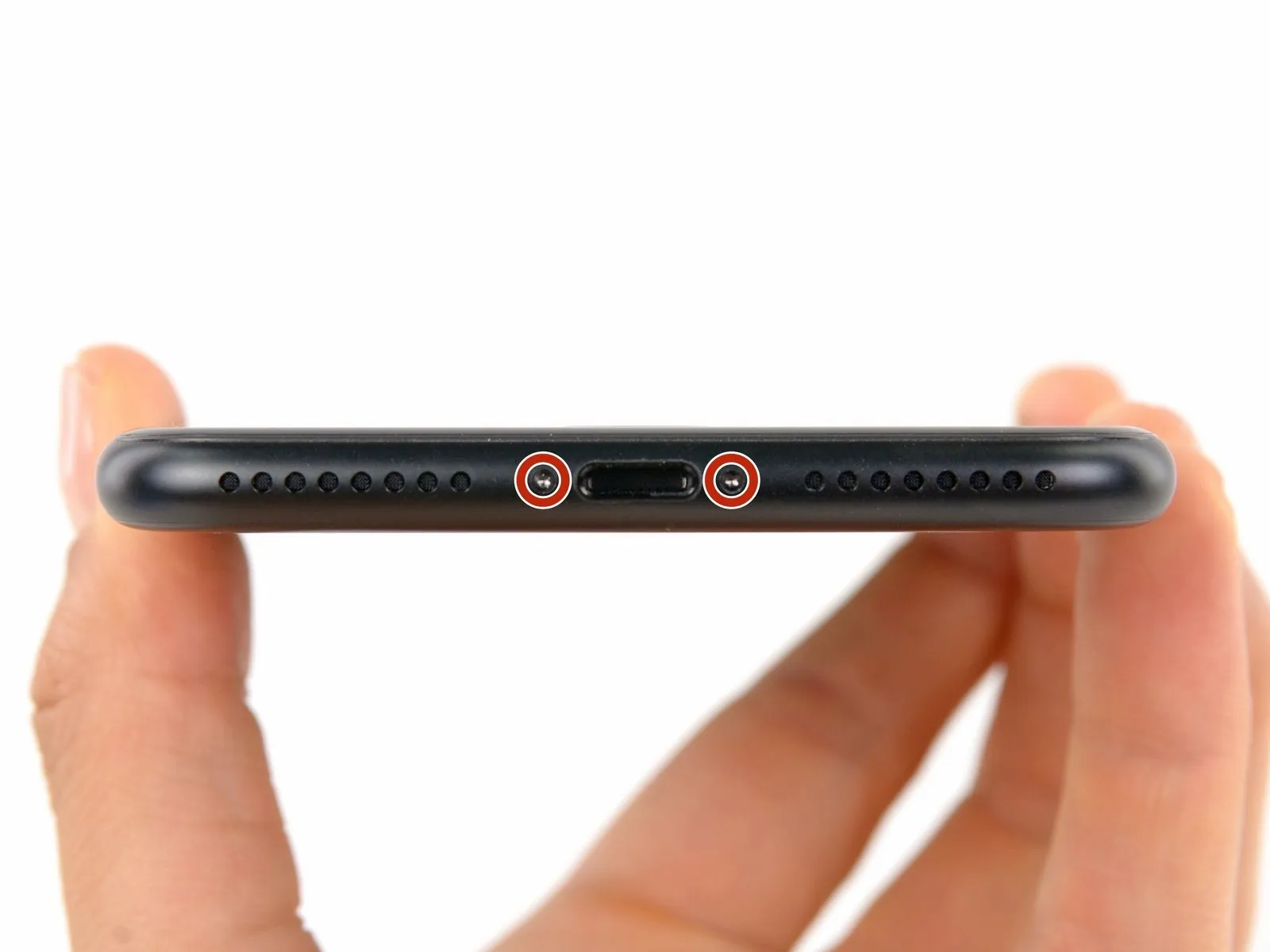
To resolve certain issues, either detach or substitute thefive-pointed screwsfound within the iPhone 7 Plus.
Step 1 | Pentalobe Screws
Prior to commencing the repair process:
- Ensure your iPhone's battery is depleted to less than 25% capacity; a fully charged lithium-ion battery presents a fire hazard and potential explosion risk if it sustains accidental damage.
- Deactivate your iPhone by powering it down before you start taking it apart.
- Employing a P2 screw bit, if available, carefully unscrew the pair of 3.4 mm pentalobe screws located along the iPhone's lower edge.