How to Force Restart an iPhone 4S
If your iPhone 4S has become unresponsive or frozen, this guide provides instructions for a simple, tool-free procedure to reboot it.
Step 1 | How to Force Restart an iPhone 4S


Apply continuous pressure to the Home button.
Simultaneously depress the Sleep/Wake button while maintaining pressure on the Home button.
Simultaneously depress the Sleep/Wake button while maintaining pressure on the Home button.
Step 2

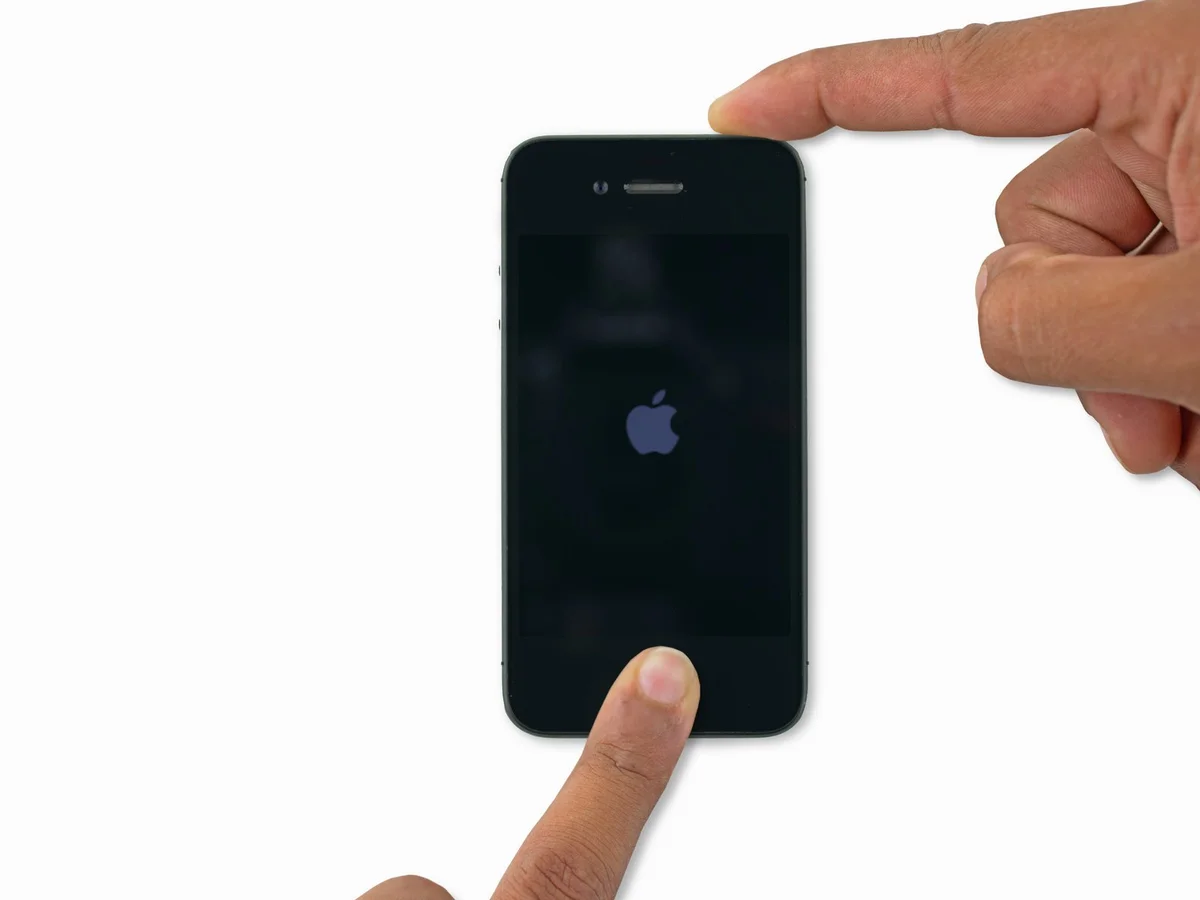
Maintain pressure on both buttons for approximately ten seconds, allowing the Apple logo to display.