MagSafe Battery Pack Indications
Remove any iPhone covers before proceeding.Supports charging with MagSafe accessories..
Step 1 | Attach the Battery Pack to the iPhone
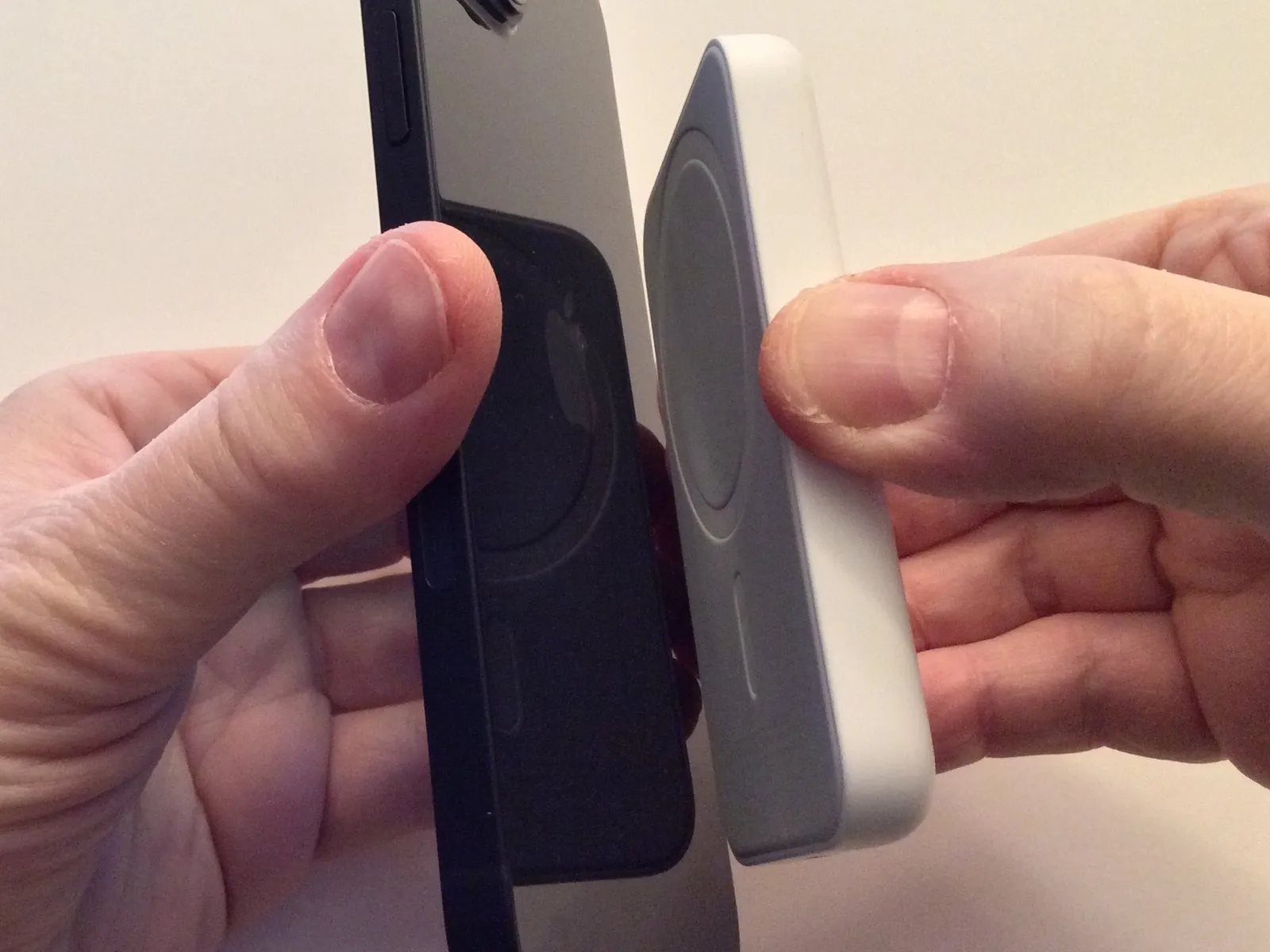
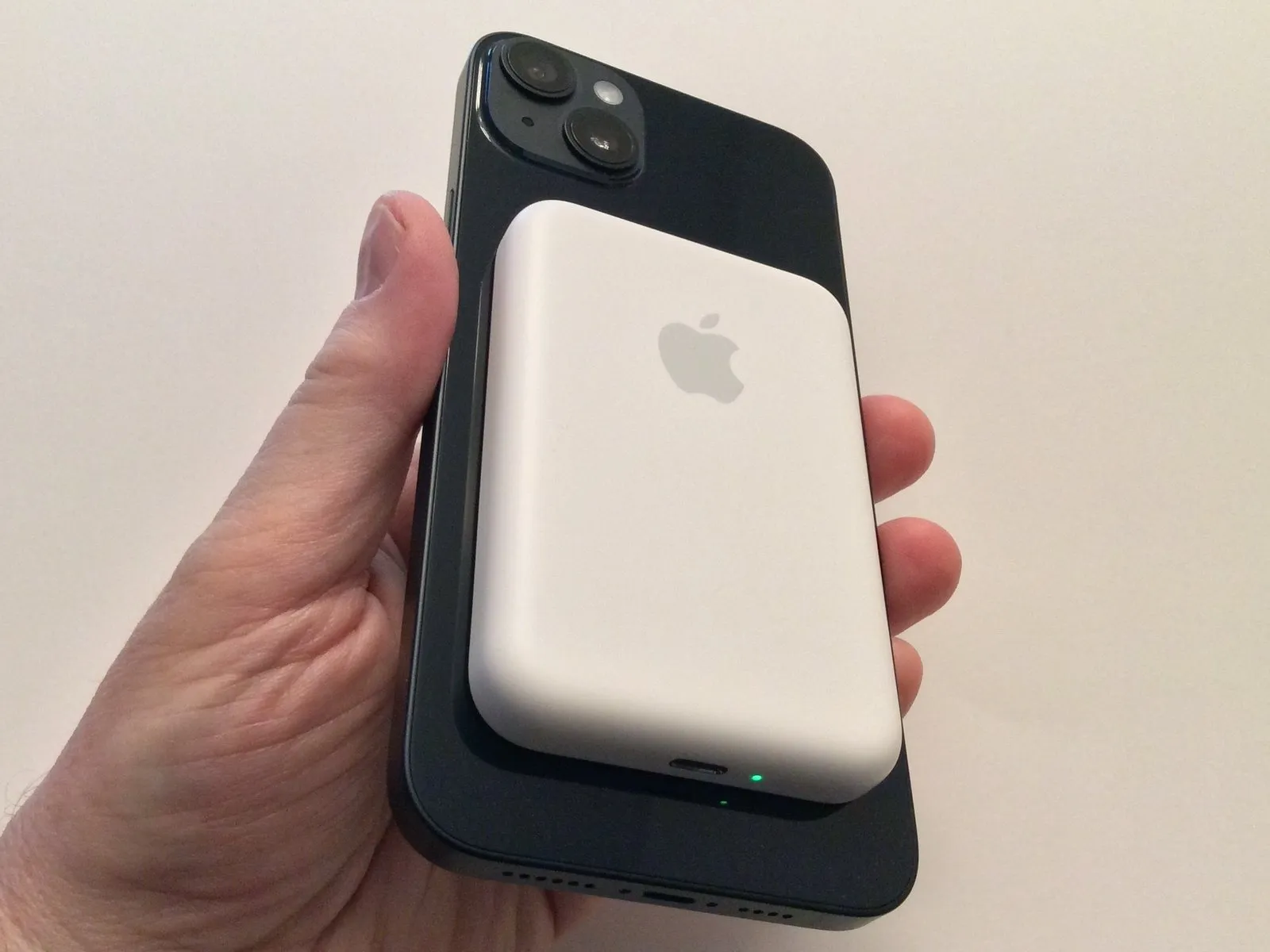
Align the magnetic contacts of the MagSafe Battery Pack with the designated magnetic attachment area on the iPhone's rear surface.
Align the Apple logo on the MagSafe Battery Pack with the Apple logo on your phone; this visual guide assists with proper placement.
The Battery Pack's charge level is visually indicated by the LED, which will display a green color when fully charged and amber when charging.
Align the Apple logo on the MagSafe Battery Pack with the Apple logo on your phone; this visual guide assists with proper placement.
The Battery Pack's charge level is visually indicated by the LED, which will display a green color when fully charged and amber when charging.
Step 2 | Indications of the Battery Pack


A notification will display on the screen confirming the Battery Pack is detected, and this notification will include specific details.
Observe the battery indicator and accompanying numerical percentage to determine the current power status of the iPhone.
Observe the Battery Pack's indicator icon to determine its current state of charge.
A charging indicator will appear on the screen, confirming the device is receiving power.
The Battery Pack's charge status is displayed on the home screen via Battery widgets, which also show whether the pack is currently receiving power—either through a cable connection or via reverse charging.
Observe the battery indicator and accompanying numerical percentage to determine the current power status of the iPhone.
Observe the Battery Pack's indicator icon to determine its current state of charge.
A charging indicator will appear on the screen, confirming the device is receiving power.
The Battery Pack's charge status is displayed on the home screen via Battery widgets, which also show whether the pack is currently receiving power—either through a cable connection or via reverse charging.